Blinx gives a beauty salon one mobile page where clients can see your treatments and prices, ask for an appointment, message you and find the salon, each in one tap. It costs $5 a month or $46.80 a year, plus VAT at 20% for UK businesses, after a 15-day trial with no card.
Beauty clients choose with their eyes first. They look at photos of nails, brows, lashes and skin, then at the treatment list and the prices, and plenty follow a salon on Instagram for a while before they book.
Booking is personal: the right treatment, at a time that fits around work or the school run, and sometimes a question first, about a patch test or which treatment would suit them.
Regular clients want the opposite: their usual treatment, booked in seconds, without a phone call while you are with someone else.
How a Blinx page helps beauty salons
Treatments with prices
List each treatment, such as gel nails, brow lamination, lash lifts or a facial, with its price, so clients choose before they ask.
Appointments for each treatment
Clients pick a treatment and ask for a slot from your hours, and each treatment can have its own length in your diary. Confirming requests is part of Pro.
Photos of your work
A swipeable gallery of results, up to 3 photos on the basic plan and 10 on Pro.
Instagram and TikTok
Link them under Follow us, so clients can see more of your work.
Questions before booking
The enquiry form takes a message on every plan, and on Pro the WhatsApp button opens a chat with your mobile.
Your own colours
On Pro the page takes your salon's colours, from a palette or an exact colour code.
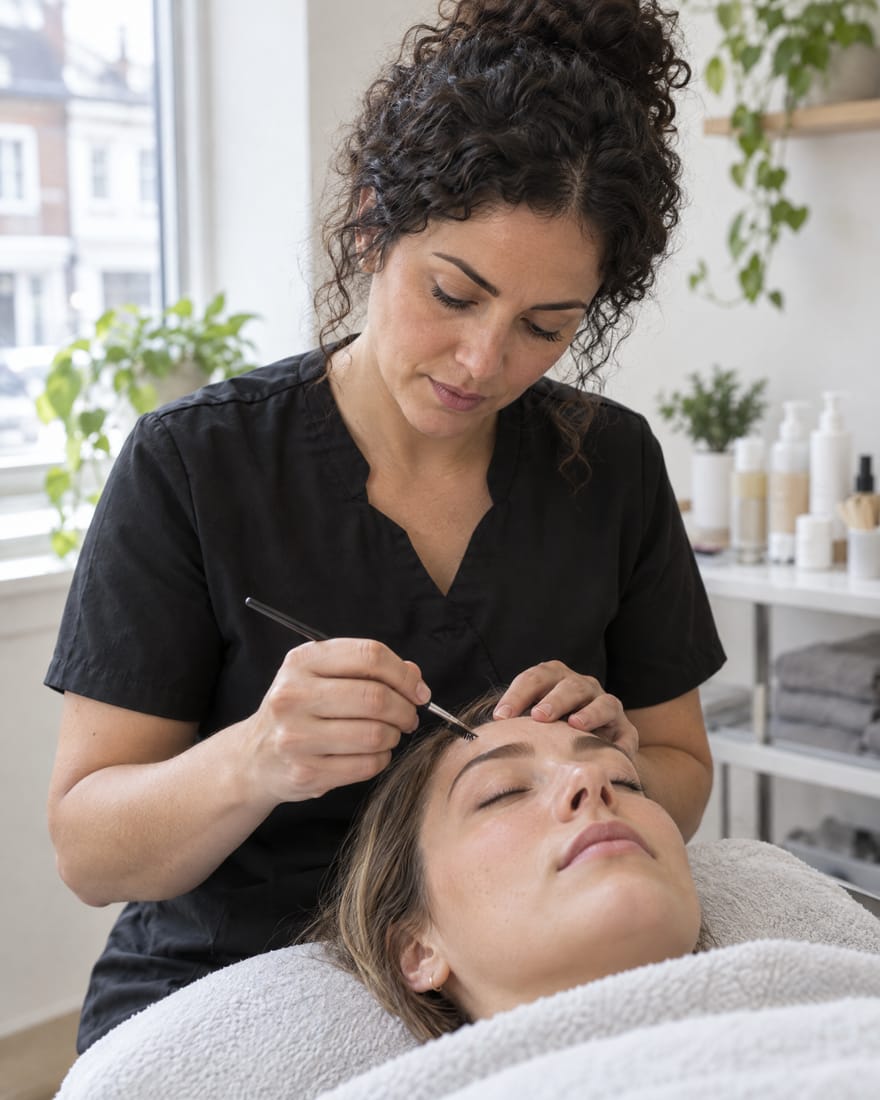
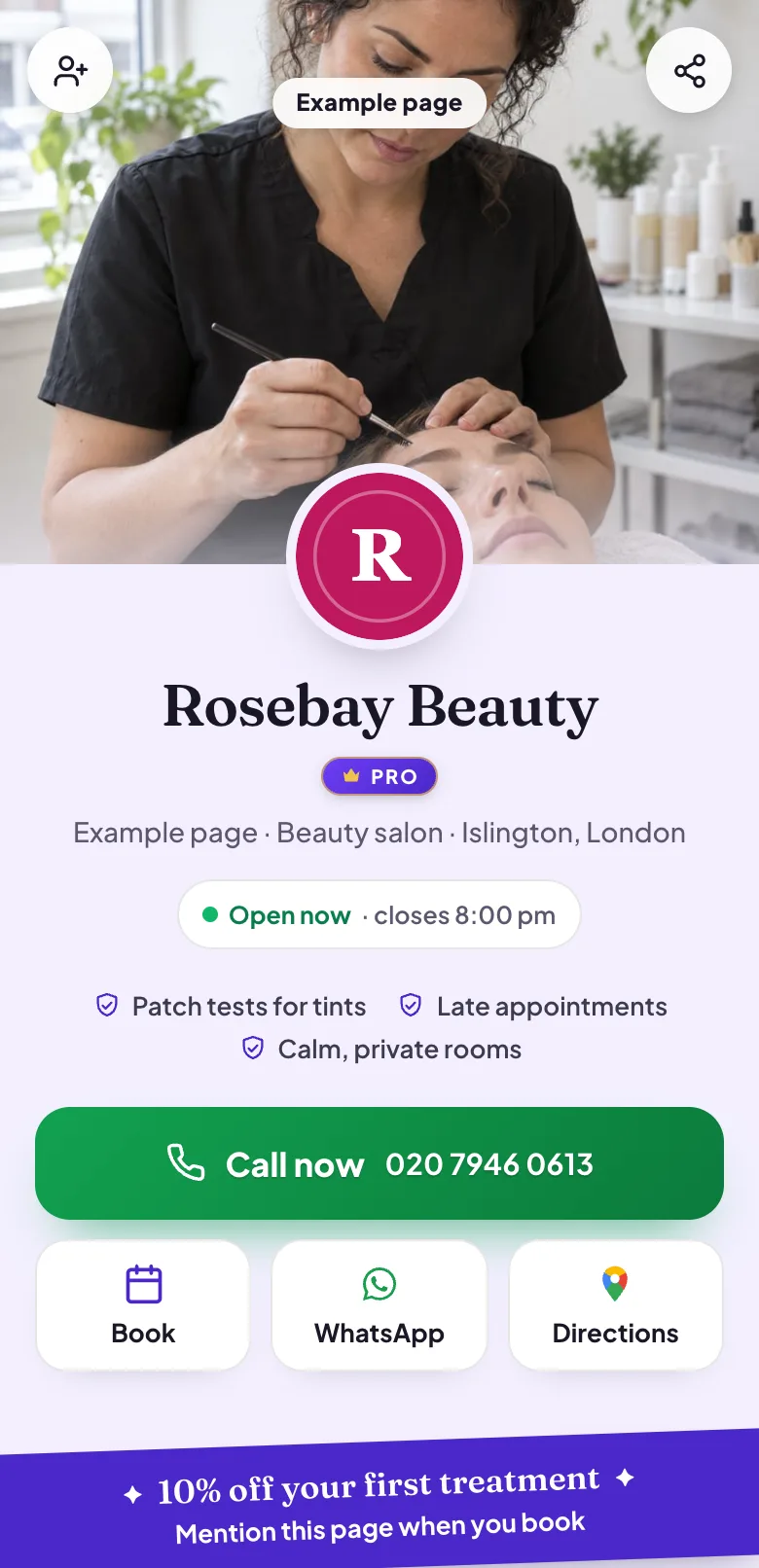
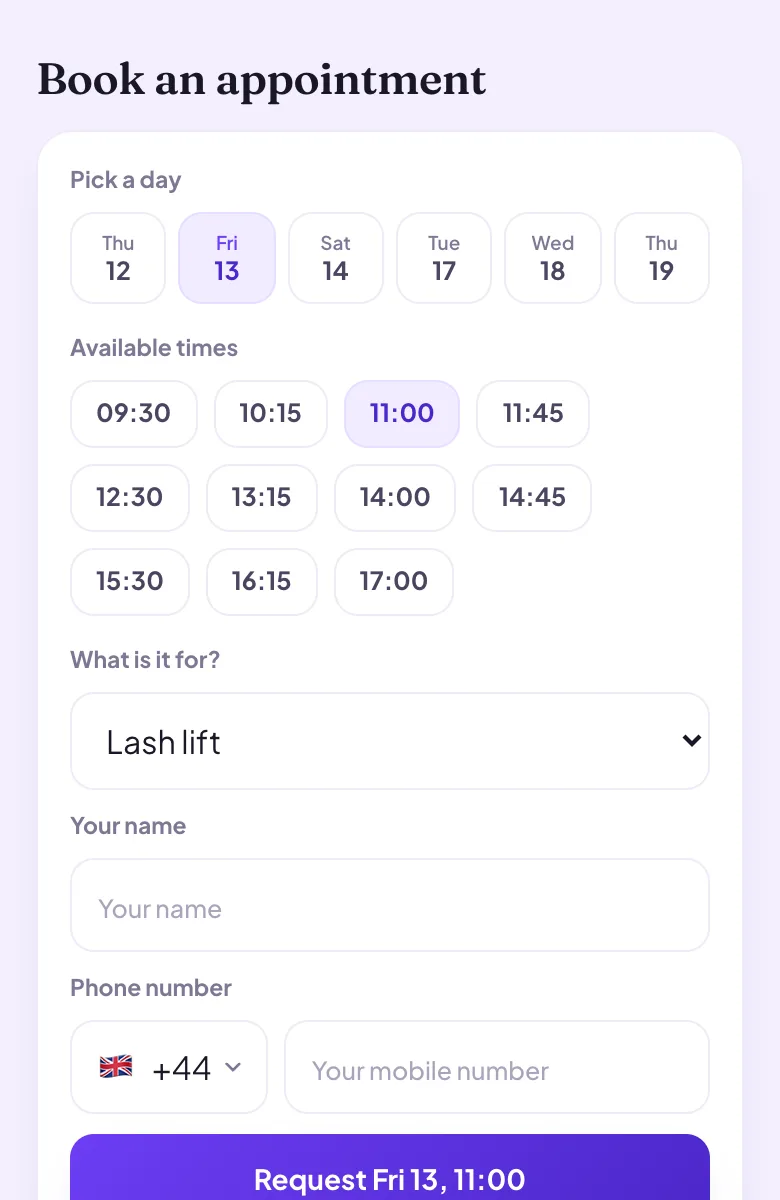
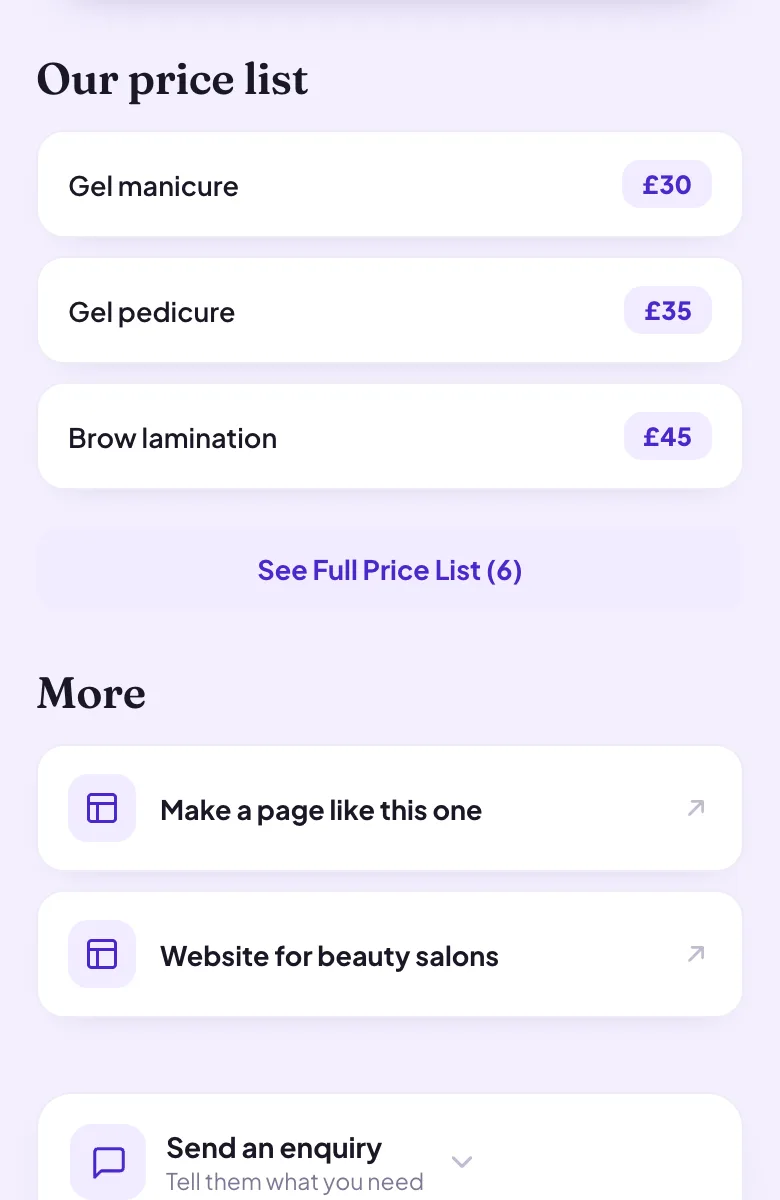
Four moments from a working day, each beside the part of the example page it uses.
A lash lift, booked from the page
A client chooses a lash lift, picks a day and a time and sends the request. It waits in your diary until you confirm it on Pro, and the client hears back with the time.
Pictured: the example page, Rosebay Beauty, which is made up.
What a facial costs
Your treatment list shows each treatment with its price, from brows to facials. A new client compares at their own pace and asks for the one they want.
Pictured: the example page, Rosebay Beauty, which is made up.
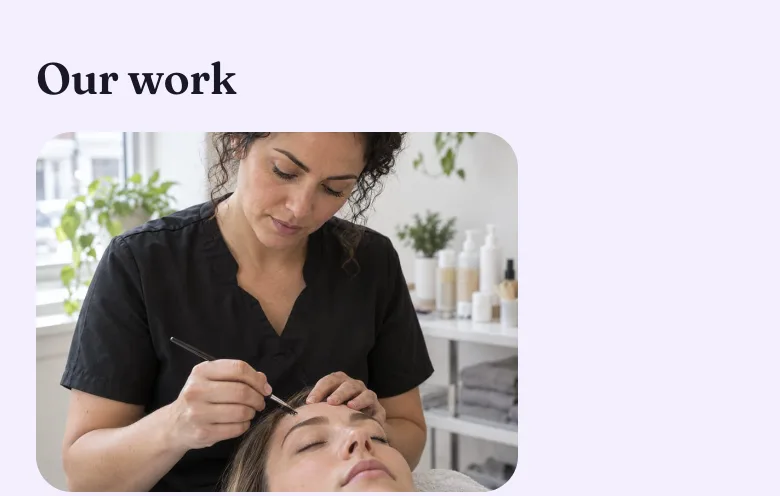
Results that sell the treatment
Clients want to see your work before they book it. A gallery of results, one swipe at a time, does that better than any description.
Pictured: the example page, Rosebay Beauty, which is made up.
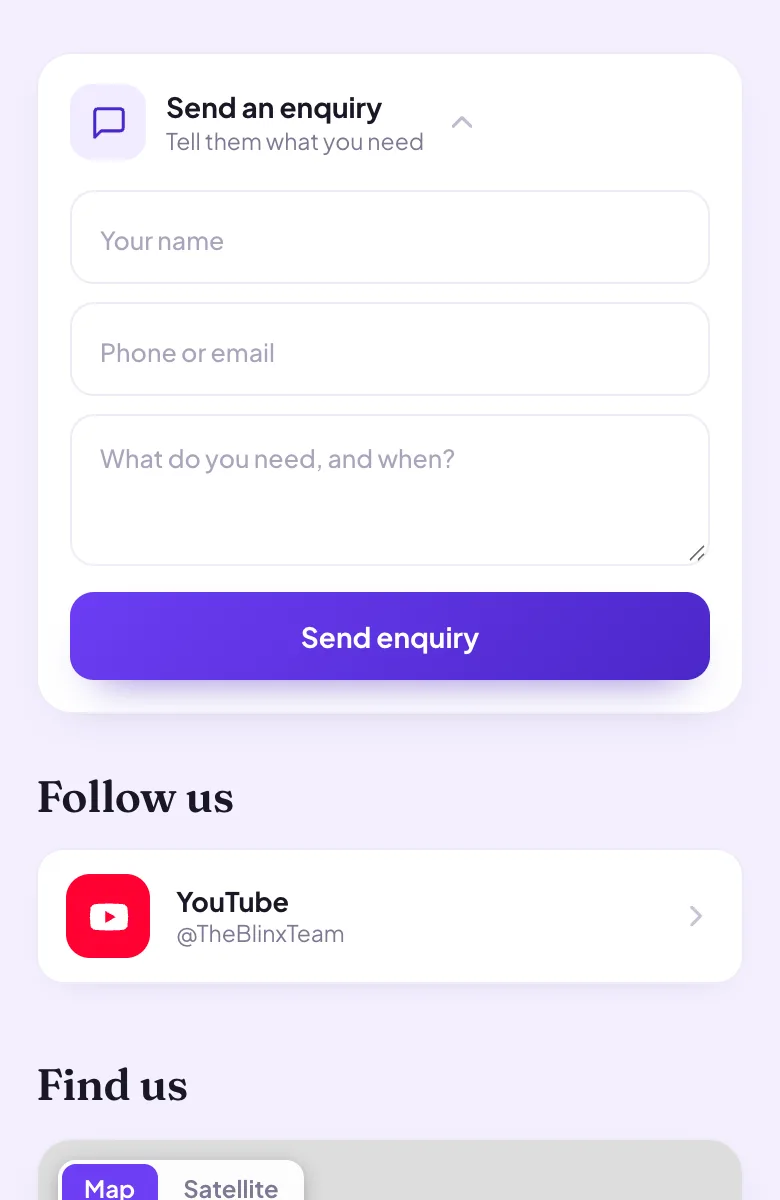
A question about a patch test
A new client asks through your enquiry form whether they need a patch test before a tint. You see their name and number on Pro and reply when you are between clients.
Pictured: the example page, Rosebay Beauty, which is made up.
Want a page like this one?Pick your Google listing and the page fills itself in. Publish it when you are happy.
Yes. Add your treatments to the booking picker, each with its own length, and clients choose one when they ask for a slot. Requests wait until you confirm them, which is part of Pro, and the client then hears back with the time.
Some treatments need a patch test first. Can the page say so?
Yes. Say which treatments need one in your About text or in the treatment's name, and add the patch test to the booking picker as its own short appointment, so new clients can ask for it first.
Can I link my Instagram?
Yes. Paste your profile link under Follow us and Blinx works out the network and your handle. Instagram, TikTok, Facebook, YouTube, X and LinkedIn are recognised.
How many photos can I show?
Up to 3 on the basic plan and up to 10 on Pro, in a gallery clients swipe through and can open full size. Choose your strongest results and change them whenever you have new ones.
Can clients pay a deposit to secure a booking?
Not through Blinx: there is no online payment or deposit. If you take deposits, say how in your About text and arrange them the way you do today.
Can the page use my salon's colours?
Yes, on Pro. Choose one of the ready-made palettes or type an exact colour code, and the page takes it, apart from the green Call button, which stays green on every page so customers recognise it.