
How it works
How Blinx works
Create your page with a 15-day trial and no card, fill it from your Google listing, and share one link and its QR code. Customers then call you, ask to book or send you a message in one tap.
Facts checked 12 November 2026
A 3-minute tour with Aiva
Aiva walks through a complete page section by section: what your customers see, what reaches your phone when they get in touch, and how a page is set up in a few minutes.
The captions are part of the picture, so the tour can be followed with the sound off, and every word of it is in the transcript below, with notes on what is on Pro.
Three steps to your page
Create your page
Sign up with your business name and an email, or Continue with Google. Your 15-day trial of Pro starts there, with no card.
Fill it from Google
Pick your Google listing, and your phone number, address, opening hours, rating and first three reviews fill in, with your own photos to keep or drop. Not on Google? Type it in yourself.
Share it
Your page lives at an address like blinx.biz/your-business. Put it in your Google profile's website box and your social bios, and its QR code on your van, cards and invoices.
Transcript of the tour
Every word Aiva says, in order, with the time each part starts. Our notes are in square brackets.
0:00 Whatever your business, customers want three answers, fast.
0:05 Are you open? What does it cost? How do I reach you?
0:09 I'm Aiva, your AI growth assistant at Blinx. Watch one page answer all three.
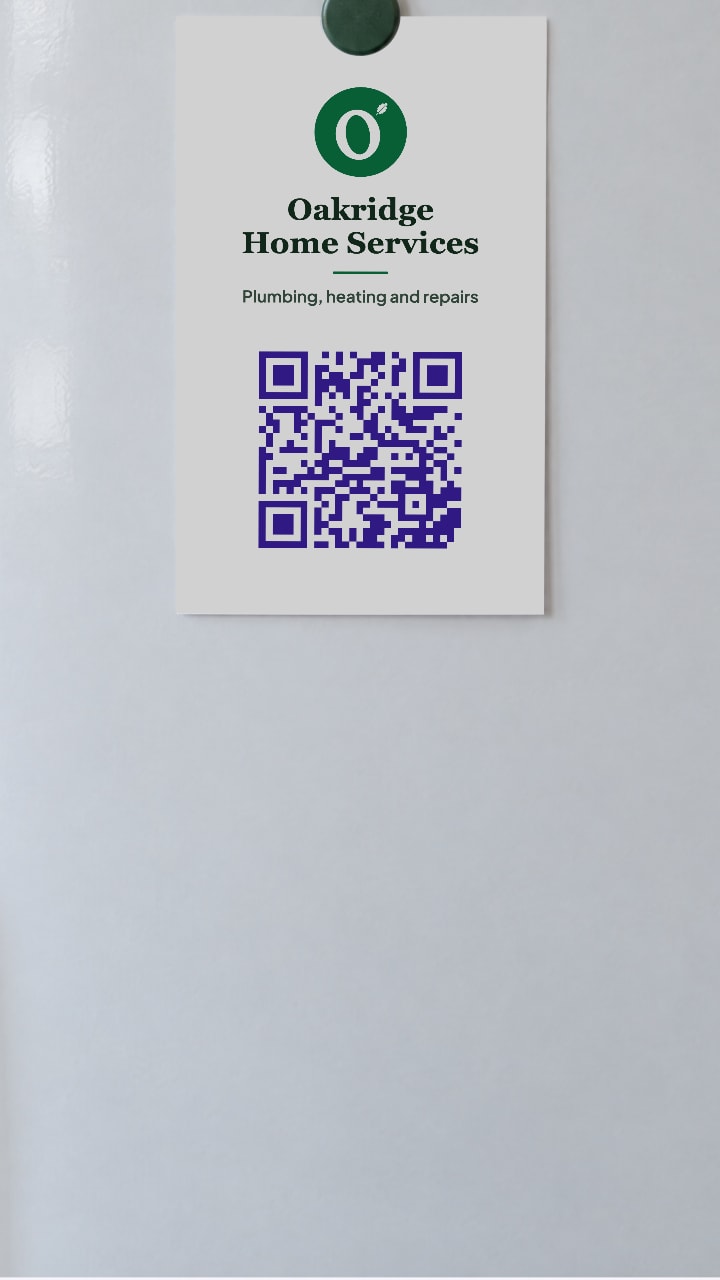
0:16 Emma scans the QR code on the Oakridge card. [Emma is an example customer, and Oakridge Home Services is an example page made by Blinx. Its rating, reviews and figures are made up for the example.]
0:20 Up top: your photo, logo, name, website and a Verified badge from your Google listing. [The Verified badge is on Pro, once your page is claimed and linked to your Google listing.]
0:27 Your Google stars sit under your name, and a green dot shows you're open, so nobody has to ring and ask.
0:34 Your About says why to pick you.
0:38 One tap to call, book, WhatsApp or get directions, save your number or share your page. [WhatsApp, Save contact and the row of buttons near the top are on Pro. On the basic plan, Call stays in the bar along the bottom.]
0:45 Your photos show off your work, and your video plays right on the page. [A video, and more than 3 photos, are on Pro.]
0:50 Your Google reviews show on your page, so happy customers do the selling.
0:55 She picks a time from your opening hours and sends a booking request. One customer per slot means no double bookings.
1:04 Your prices set expectations, and your links go anywhere you like.
1:10 She adds a note in the enquiry form, so you know the job before you call.
1:15 Then your socials, a map and your QR code, while Call now and WhatsApp stay on screen. [On the basic plan the WhatsApp button opens your enquiry form.]
1:22 Meanwhile, calls and WhatsApp chats come straight to your phone. Enquiries land in your Leads inbox, booking requests in your diary. [Seeing who got in touch, and answering booking requests, are on Pro.]
1:30 Emma's note arrives with her number and whole journey, from your QR code to her booking. Mark each lead as you go. [On Pro. The journey shows for recent enquiries.]
1:39 One tap confirms her 10:30 and lets her know. One more adds it to your Google Calendar. [The calendar button opens Google Calendar with the booking filled in; Blinx does not sync calendars.]
1:47 Setting up takes minutes on your phone, with Google or email, and no card.
1:53 Pick your Google listing, and your number, hours and rating fill in, with your photos to keep or drop.
2:00 Add a cover photo and a few words, and Rewrite with AI tidies them in the tone you pick.
2:06 Then pick your colour, drag sections into any order, and switch them on or off. [Your own colours are on Pro.]
2:12 Upload a video or paste a link. Each section has its own screen, and every save goes live straight away. [A video is on Pro.]
2:21 Your QR code always opens your latest page, so put it on your van, cards and invoices.
2:28 Add Blinx to your home screen and turn on alerts for every enquiry and booking request.
2:33 Everything you've seen is in your trial. After that, Pro is $5 a month, or $3.90 a month billed yearly [plus VAT at 20% for UK businesses]. Whatever you decide, your page stays live and nothing is deleted.
2:47 Get your page today. Try Blinx for 15 days, no card needed.
After the trial
Pro is $5 a month or $46.80 a year, plus VAT at 20% for UK businesses.
After the trial the basic plan keeps the page working for customers at no charge: they can still call, get directions, send an enquiry and ask to book, and up to 3 photos show, with 'Powered by Blinx' at the bottom.
Your page stays live on the basic plan and nothing is deleted. The Pro features come back when you go Pro again.
Try Blinx for 15 days
Your page, filled from your Google listing, ready to share as a link or a QR code.
15-day trial, no card. Nothing is deleted if you stop.