Blinx gives a restaurant one mobile page where diners can read your menu and prices, check whether you are open, ask for a table and get directions, each in one tap. It costs $5 a month or $46.80 a year, plus VAT at 20% for UK businesses, after a 15-day trial with no card.
Choosing where to eat happens on a phone, often on the way out of the door. People look at the menu and the prices, check that you are open tonight, and look at photos of the food and the room before they decide.
Then they want one easy next step: ring for a table, send a message, or simply get directions. A menu hidden in a file to download, or opening hours that are out of date, sends them to the next place on the list.
Regulars want less: the number, tonight's hours, or a quick way to ask for a table on Friday.
How a Blinx page helps restaurants
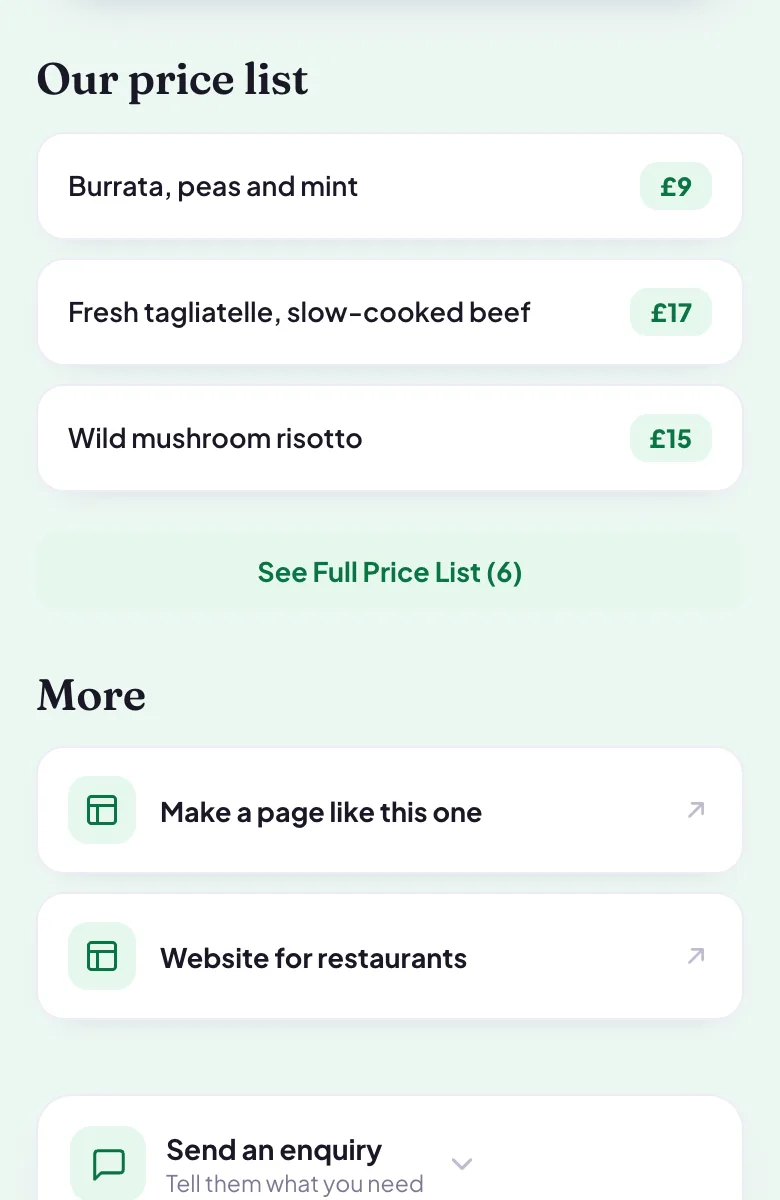
Your menu as the price list
Each dish or set menu with its price, readable on a phone with nothing to download. Change it whenever the menu changes.
Open tonight, at a glance
Your opening hours show whether you are open right now and when you close, the first thing hungry people check.
Table requests
Diners pick a day and a time from your opening hours and send a request. Let several tables ask for the same time, and confirm each request in your diary on Pro.
Directions in one tap
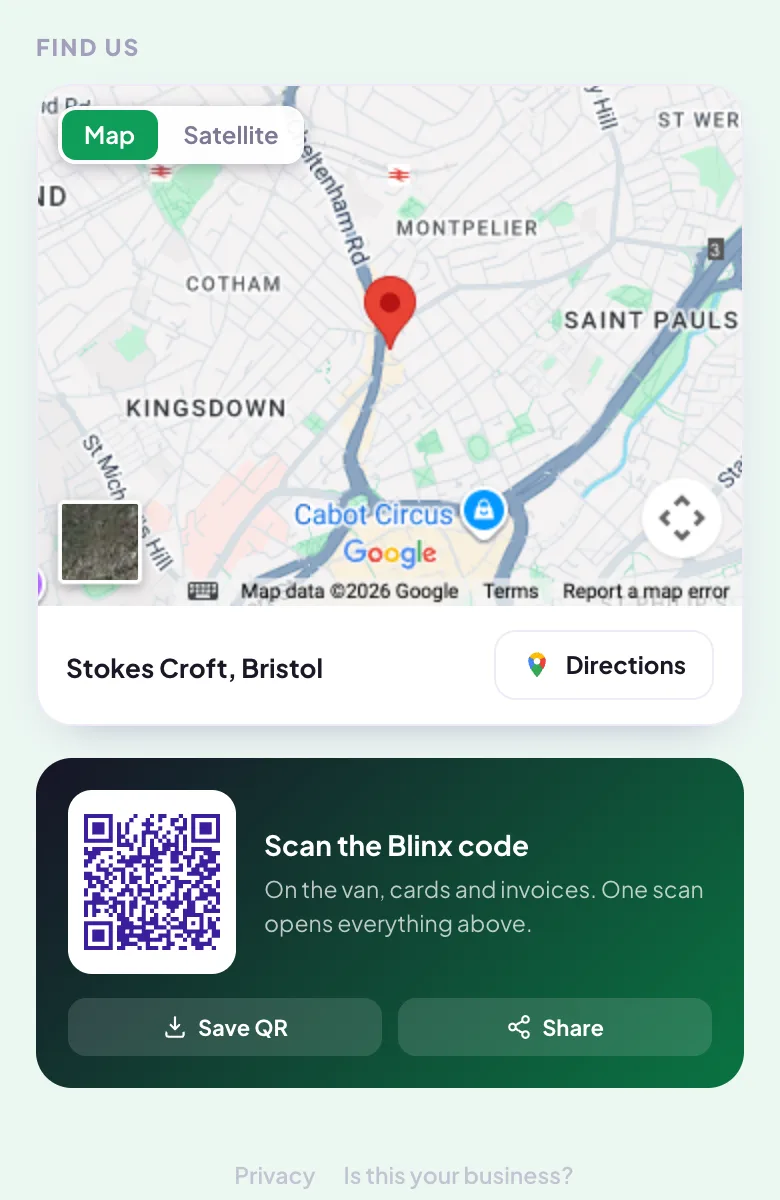
The Find us map and the Directions button open the diner's own maps app with your address.
Photos of the food and the room
A swipeable gallery, up to 3 photos on the basic plan and 10 on Pro.
A code for the tables
Print your page's QR code on table cards, the window or takeaway bags, so diners find you again and the scans are counted.
Four moments from a working day, each beside the part of the example page it uses.
Choosing where to eat tonight
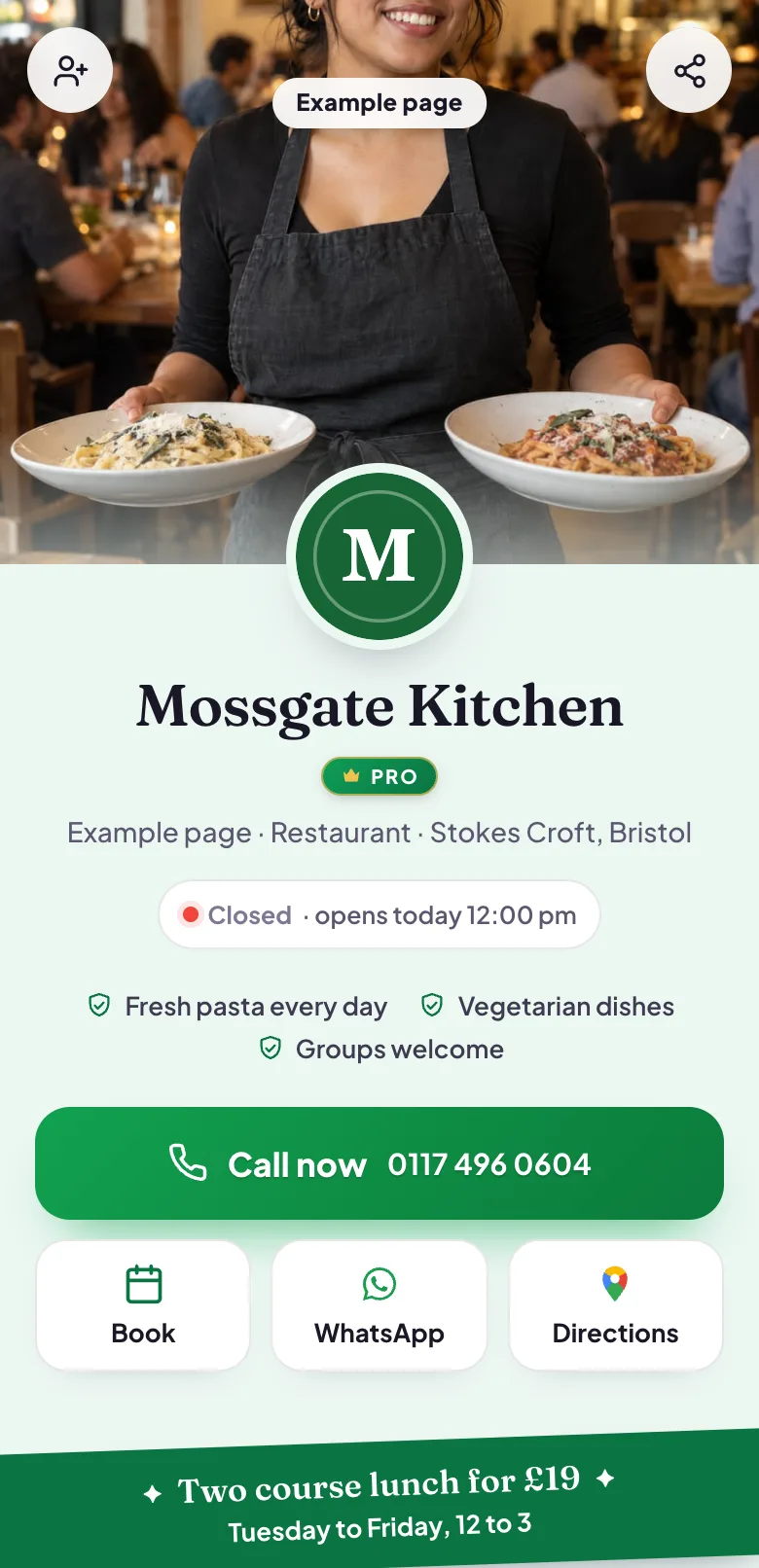
A couple deciding between three places opens your page and reads the menu with its prices, set out for a phone. They see that you are open until late and ask for a table without leaving the page.
Pictured: the example page, Mossgate Kitchen, which is made up.
A table, requested from the page
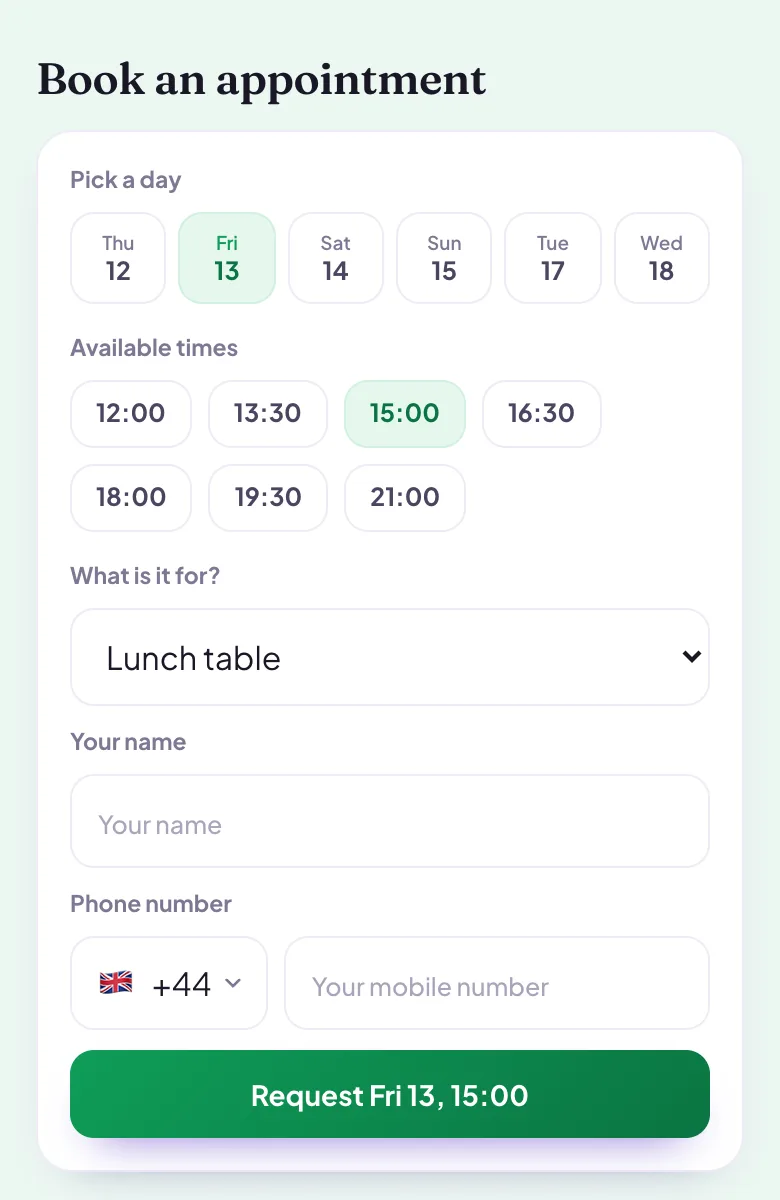
A diner picks a day and a time from your opening hours and sends a request with their name and number. You confirm it in your diary on Pro, and they hear back with the time.
Pictured: the example page, Mossgate Kitchen, which is made up.
The food, before the order
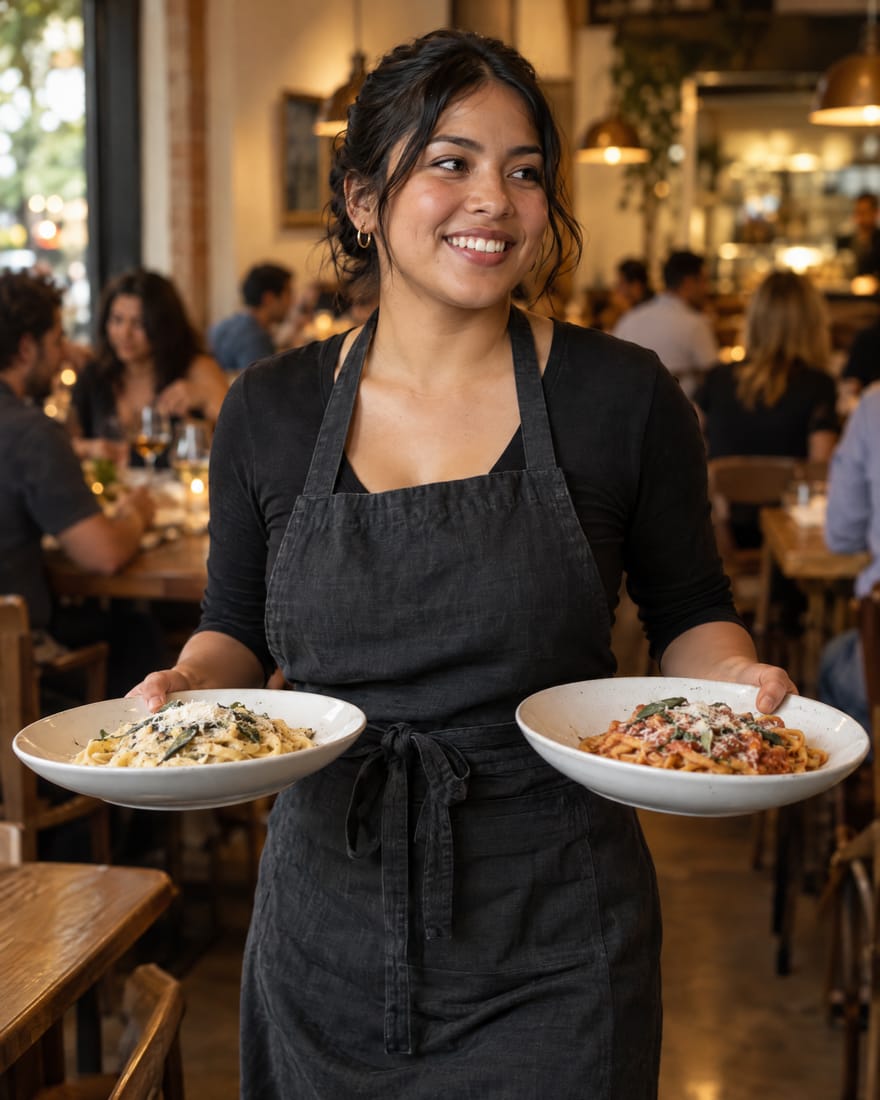
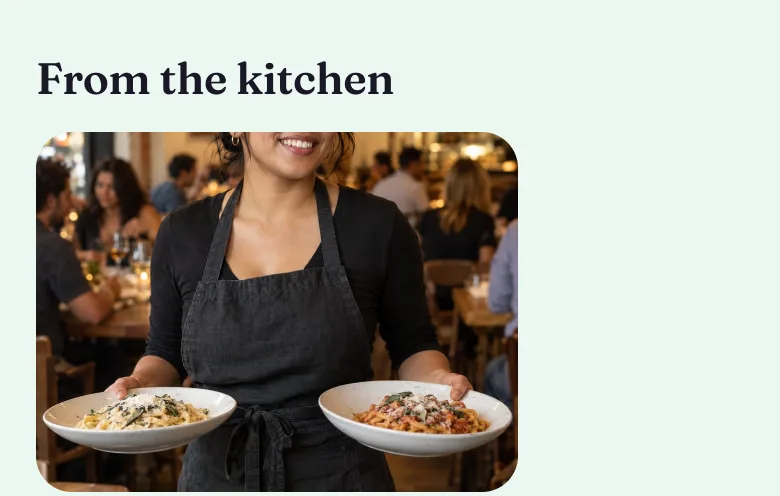
Photos of your dishes and your dining room do more for a hungry visitor than any description. Diners swipe through the gallery and open each picture full size.
Pictured: the example page, Mossgate Kitchen, which is made up.
Finding you on the night
The Find us map shows where you are, and Directions opens the diner's own maps app, so a first visit does not start with a call to ask where the door is.
Pictured: the example page, Mossgate Kitchen, which is made up.
Want a page like this one?Pick your Google listing and the page fills itself in. Publish it when you are happy.
Yes, as your price list: each dish or set menu with its price, which diners read on their phone without opening a file. Change it whenever the menu changes, and switch the section off if you would rather point people to a menu somewhere else.
Can diners book a table?
They can ask for one. The picker offers times from your opening hours, and you can let several diners ask for the same time, so one booking does not use up a whole sitting. Each request waits until you confirm it, which is part of Pro.
Can people order food from the page?
Not through Blinx: there is no online ordering or payment. If you take orders through a delivery service, add its link to your page's custom links, and people can still call or message you to order for collection.
We close between lunch and dinner. Can the page show that?
Not as two sittings: each day has one opening time and one closing time, so set the span from the start of lunch to the end of dinner, and write the break in your About text, which diners read near the top of the page.
Will our Google rating show?
Yes, once you connect your restaurant's Google listing: your star rating and the first three reviews Google shows, in Google's order, with a link to read the rest on Google. Blinx shows them as Google provides them and never edits them.
Can I put a QR code on the tables?
Yes. Save your page's QR code as an image and print it for table cards, the window or takeaway bags. A scan opens your page with the menu, your hours and your number, and the scans are counted in your page's numbers.