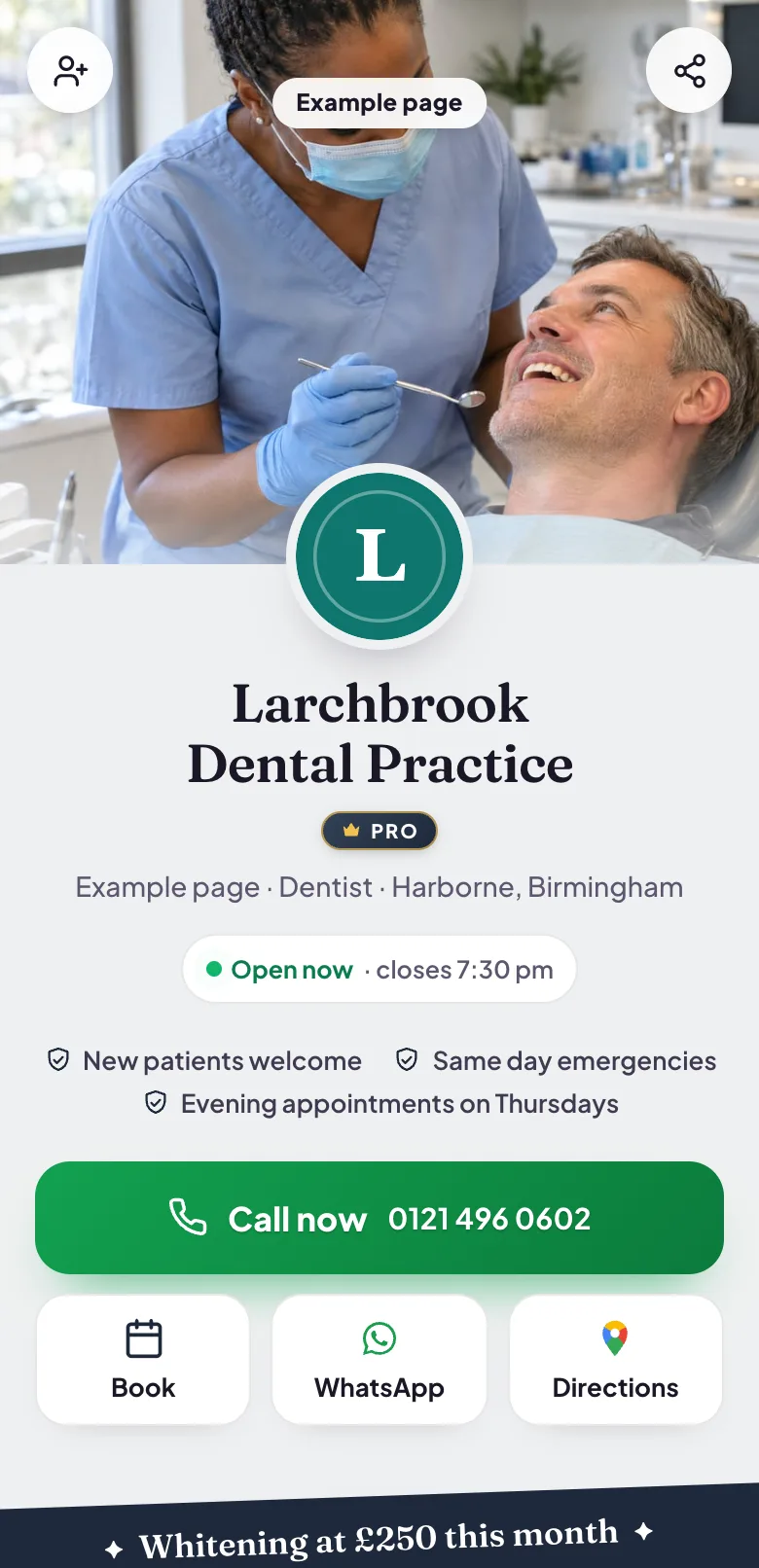
Blinx gives a dental practice one mobile page where patients can call reception, ask for an appointment, see your treatments and check whether you are open, each in one tap. It costs $5 a month or $46.80 a year, plus VAT at 20% for UK businesses, after a 15-day trial with no card.
Patients look for a dentist at two very different moments. Some are planning: they have moved to the area, a check-up is overdue, or they want whitening or a hygienist visit before an event. They compare a few practices on the treatments offered, the opening hours and how easy the practice is to reach.
Others have toothache now. They want to know whether you are open, whether you see people in pain, and how to get through to reception, and they ring the first practice that makes all three obvious.
Both arrive mostly from a search on a phone or from a friend's recommendation, and both decide quickly whether to call, ask for an appointment or try the next practice on the list.
How a Blinx page helps dentists
Appointments without the phone queue
Patients pick a day and a time from your opening hours and send a request, which waits until reception confirms it. Answering requests, and seeing who asked, is part of Pro.
Reception one tap away
The Call button stays in a bar along the bottom of the screen all the way down the page, so a patient in pain never has to search for the number.
Open or closed right now
Your hours, early mornings and Saturday sessions included, show whether the practice is open at this moment and when it opens next.
Treatments and prices
List check-ups, hygienist visits, whitening or emergency appointments with what each costs, and give each kind of appointment its own length in the diary.
Filled from Google
Connect the practice's Google listing and your hours, number, address, photos, star rating and the first three reviews Google shows come across to the page.
A code for the front desk
Print your page's QR code for the reception desk, appointment cards or the window, so a patient can open your page and ask for their next visit from their phone.
Four moments from a working day, each beside the part of the example page it uses.
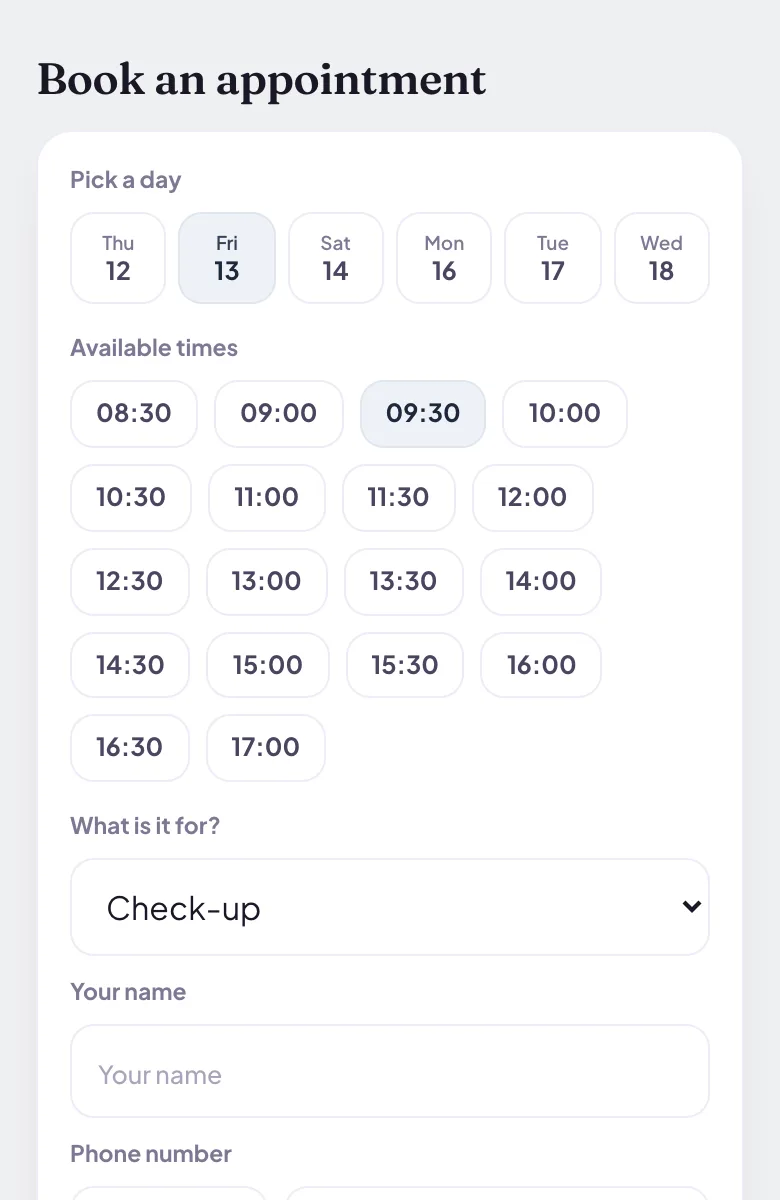
A patient asks for a check-up
A patient chooses a check-up, a day and a time from the slots your opening hours allow and sends the request. Nothing is booked until reception confirms it in the diary on Pro, and the patient then hears back with the time.
Pictured: the example page, Larchbrook Dental Practice, which is made up.
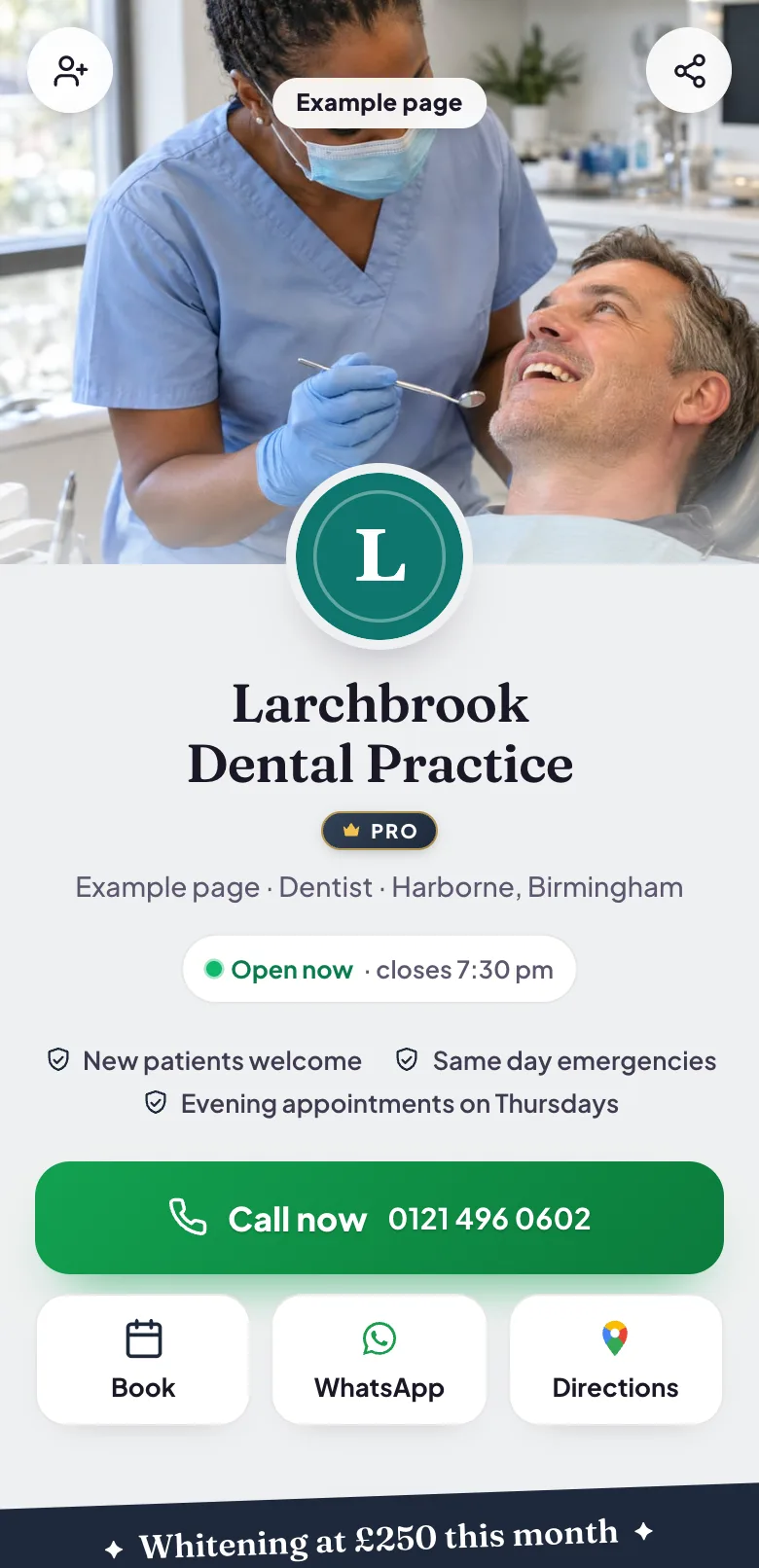
Toothache before the practice opens
The page says at once whether you are open now and when you open next. A patient in pain sees it, waits for the right time or taps Call now, and gets reception without hunting through a website for a number.
Pictured: the example page, Larchbrook Dental Practice, which is made up.
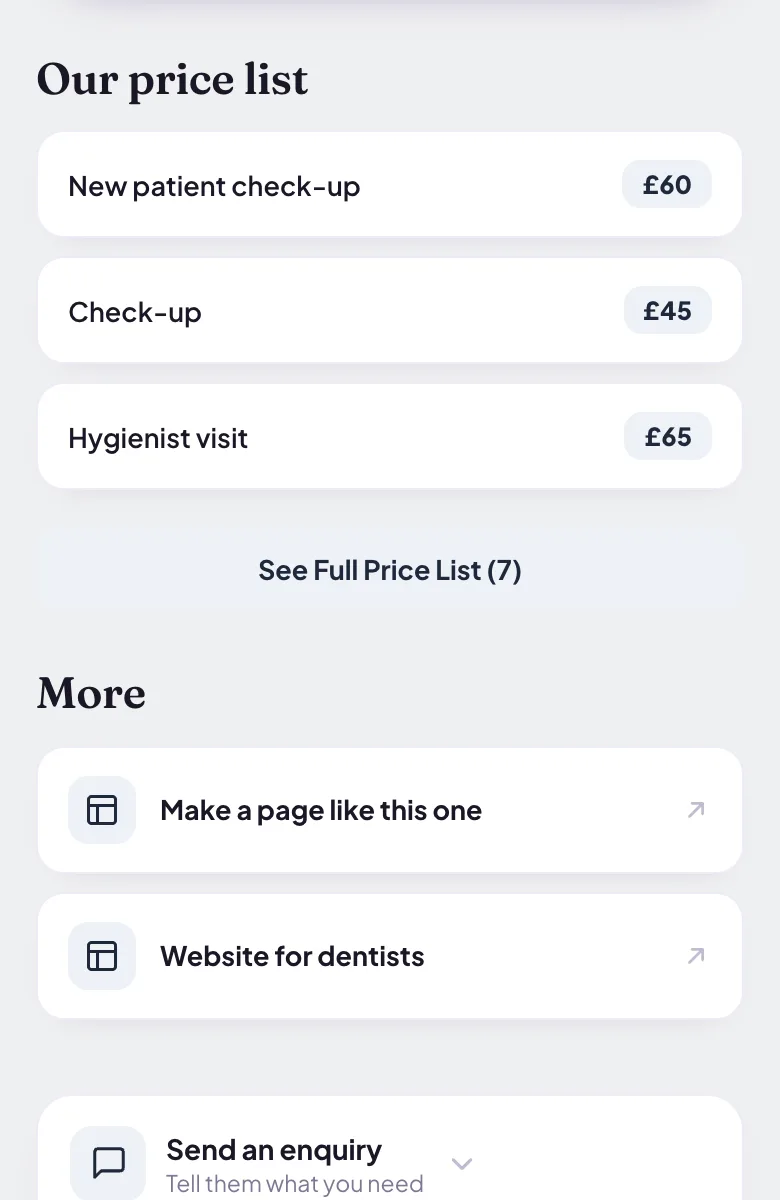
What a hygienist visit costs
Your price list shows each treatment with its price. Patients compare before they call, and the ones who do ring are already asking about something you offer.
Pictured: the example page, Larchbrook Dental Practice, which is made up.
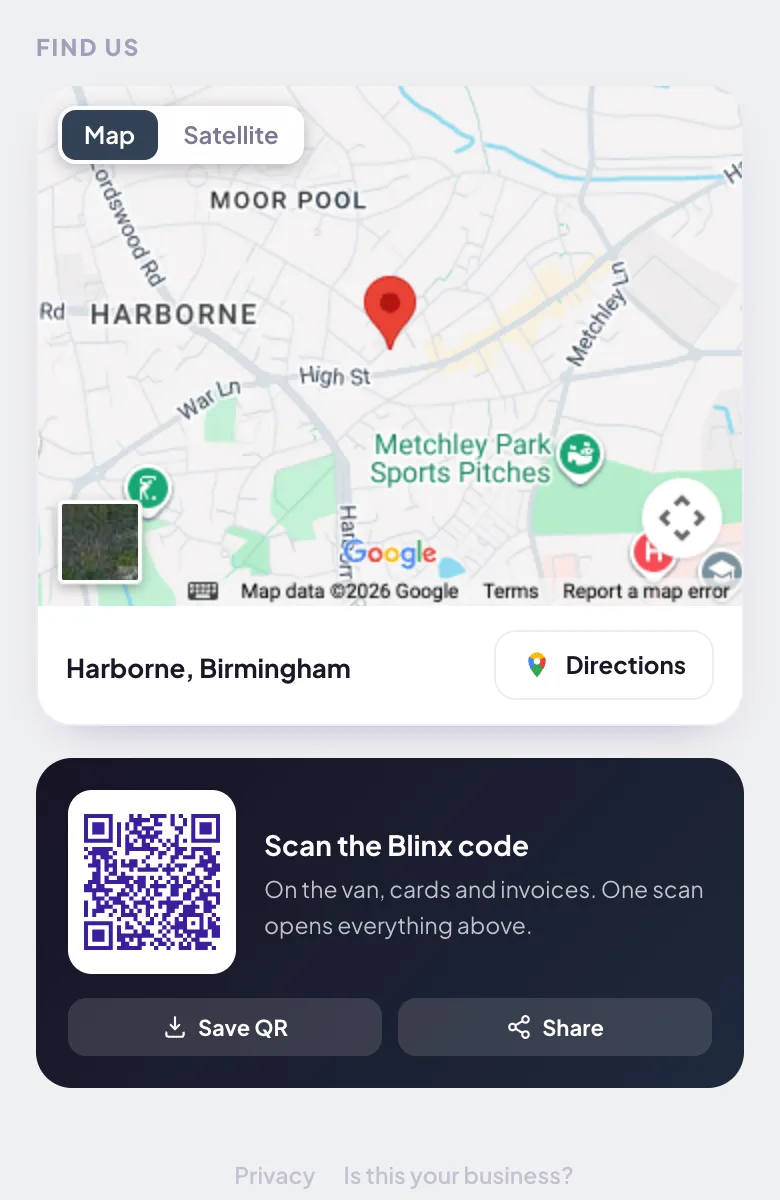
Finding the practice the first time
The Find us map and the Directions button open the patient's own maps app with your address, so a first visit starts on time rather than with a phone call from the car park.
Pictured: the example page, Larchbrook Dental Practice, which is made up.
Want a page like this one?Pick your Google listing and the page fills itself in. Publish it when you are happy.
They can send a request for a slot inside your opening hours. Nothing is booked until you say yes, and with the standard settings two patients cannot ask for the same slot. Confirming or declining requests is part of Pro, and when you confirm, the patient hears back with the time.
Does it connect to our practice management software?
No. Requests reach your Blinx diary and reception confirms them there. Adding a confirmed appointment to a calendar is a one-tap link, not a two-way sync, so the diary in your practice software stays the one you run the day from.
Can different appointments have different lengths?
Yes. Set a standard length, anything from 15 minutes to three hours, and give each kind of appointment its own, such as a 30 minute check-up and a 45 minute hygienist visit. Patients choose the appointment type when they send a request.
Can we show a lunch break or bank holiday closures?
No. Each day has one opening time and one closing time, and holiday closures are not blocked out, so write your lunch break or closure dates in the About text, which patients read near the top of the page.
Can we say we are taking new patients?
Yes. Write it in your About text and change it whenever your list fills or opens again. Rewrite with AI can tidy the wording, and it is told never to add a treatment, a price or a qualification you did not mention.
Will our Google reviews show?
Yes, once you connect the practice's Google listing: your star rating and the first three reviews Google shows, in Google's order, with a link to read the rest on Google. Blinx never writes, edits or chooses which reviews appear.
Can patients message the practice on WhatsApp?
On Pro, the WhatsApp button opens a chat with the mobile number you give it. On the basic plan the same button opens your enquiry form instead, so a patient's message still reaches you and is counted in your inbox.