Blinx gives a tutor one mobile page where parents and students can see the subjects and levels you teach, your prices and your hours, and ask for a lesson, each in one tap. It costs $5 a month or $46.80 a year, plus VAT at 20% for UK businesses, after a 15-day trial with no card.
Parents usually start looking for a tutor at a turning point: a mock exam that went badly, a move up to secondary school, an entrance exam, or a child who has fallen behind in one subject.
They compare tutors on the subjects and levels taught, whether lessons are online or in person, the price per lesson and what other families say. Many want to ask a question or two before they book a first lesson.
Older students and adults, learning a language, an instrument or a subject for work, look in much the same way and often arrange lessons themselves from their phone.
How a Blinx page helps tutors
Subjects, levels and prices
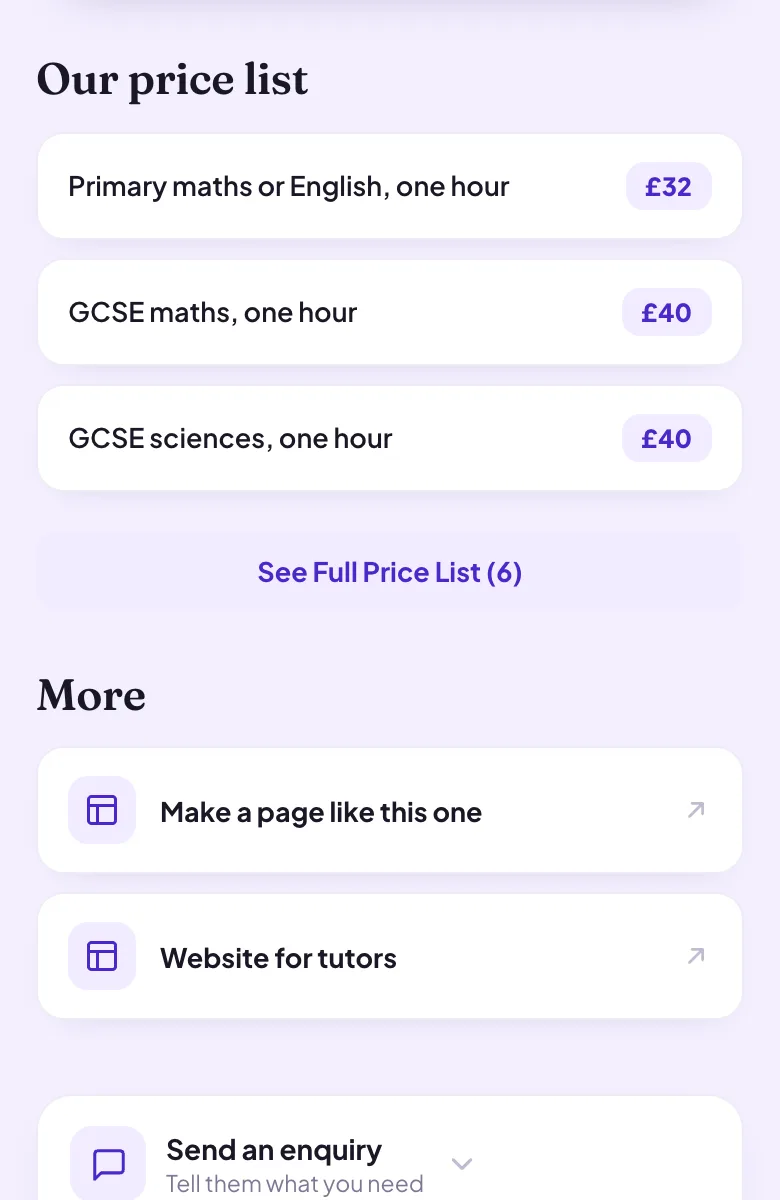
Your price list shows each subject or level with its lesson price, such as GCSE maths, A level chemistry or an hour of piano.
Lesson requests from your timetable
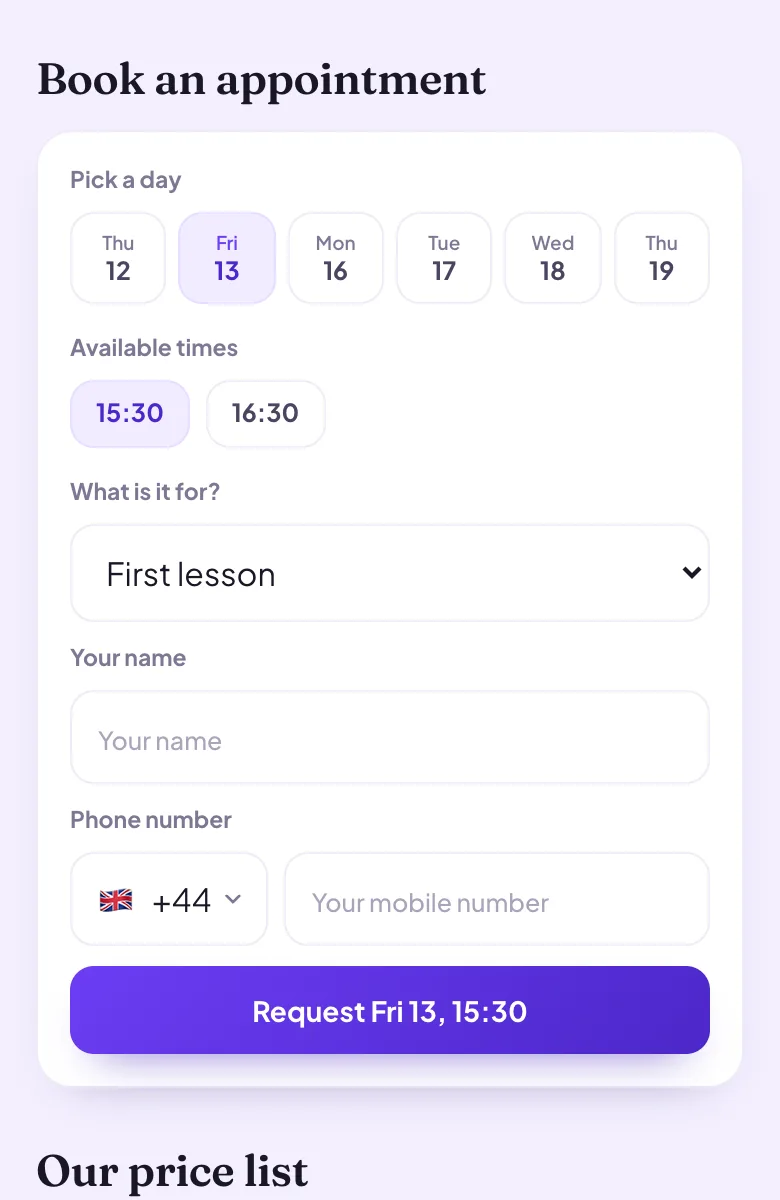
Families pick a day and a time from the hours you teach and ask for a lesson, and a single lesson and a longer exam session can each have their own length. Confirming requests is part of Pro.
Questions before the first lesson
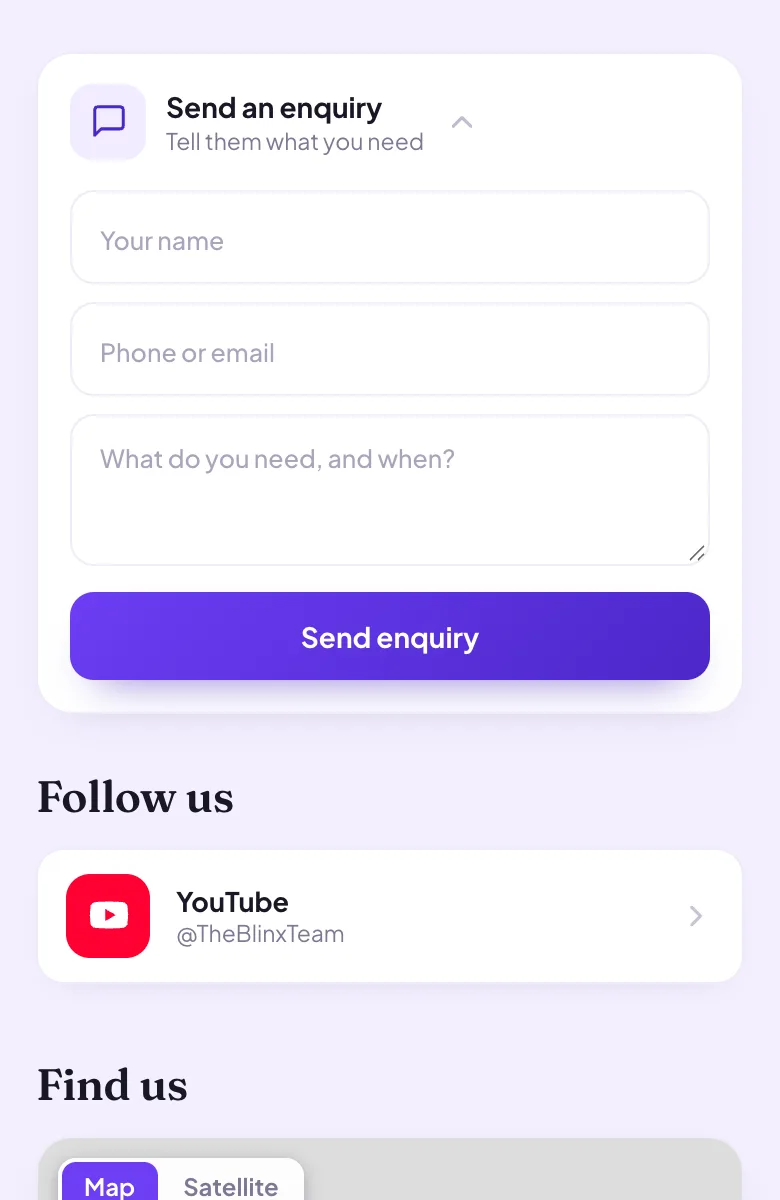
The enquiry form lets a parent explain what their child needs, and on Pro you see who sent it.
Online or in person
Say how and where you teach in your About text, with the areas you travel to.
Your Google reviews
Connect your listing and your rating and the first three reviews Google shows appear on your page, in Google's order.
A code for noticeboards
Print your page's QR code on flyers for school gates, libraries and community boards, and see how many people scan it.
Four moments from a working day, each beside the part of the example page it uses.
A maths tutor before the mocks
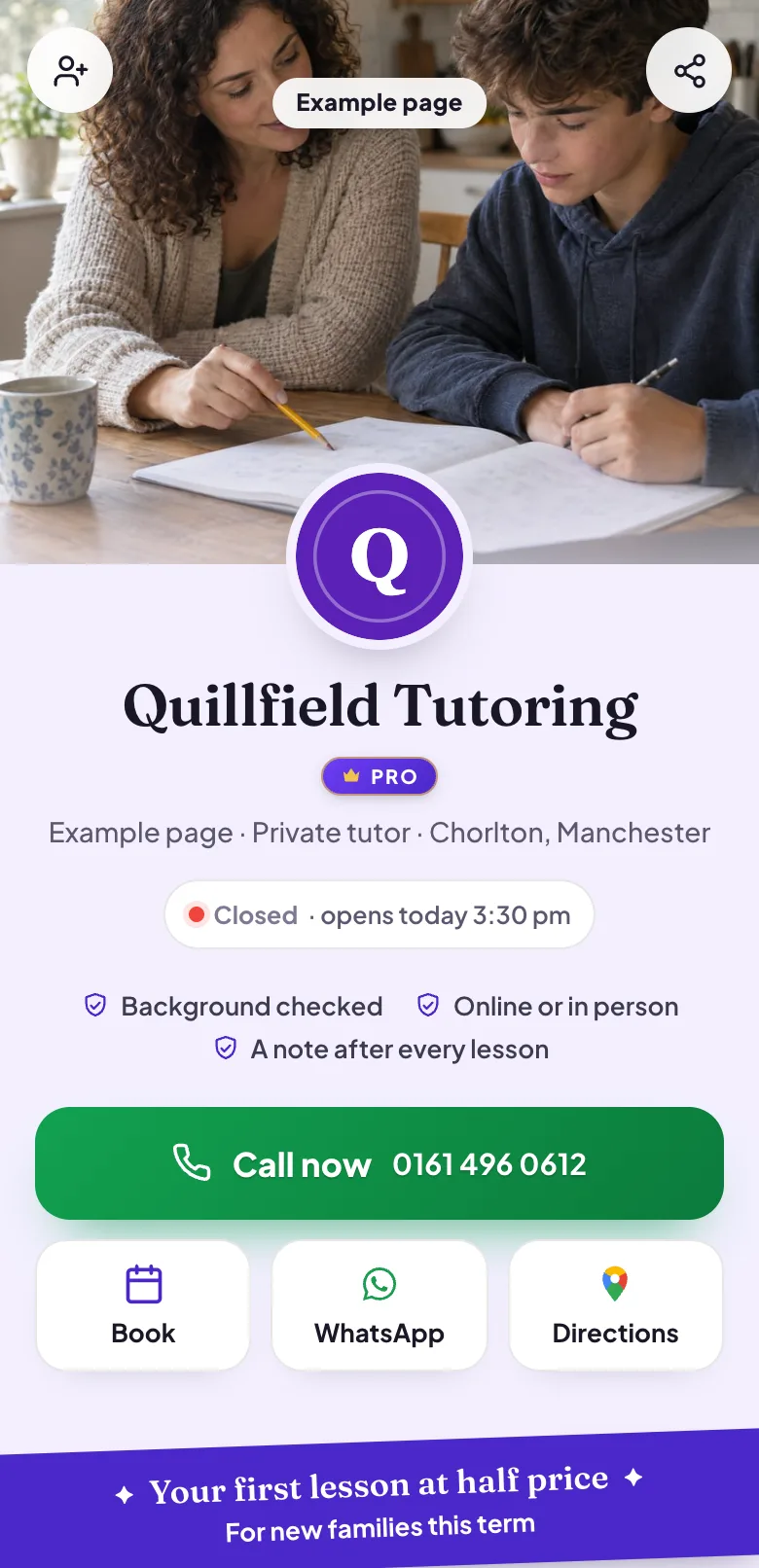
A parent looking for help with GCSE maths opens your page and finds the subject, the level and the price of a lesson, set out for a phone. They know straight away whether you teach what their child needs.
Pictured: the example page, Quillfield Tutoring, which is made up.
Booking a first lesson
The parent picks a day and a time from the hours you teach and sends a request for a first lesson. You confirm it in your diary on Pro, and they hear back with the time.
Pictured: the example page, Quillfield Tutoring, which is made up.
A parent's question first
Before booking, a parent explains through your enquiry form that their son is anxious about the exam and needs help with algebra. You read it with their name and number on Pro and reply in your own time.
Pictured: the example page, Quillfield Tutoring, which is made up.
Online or at the kitchen table?
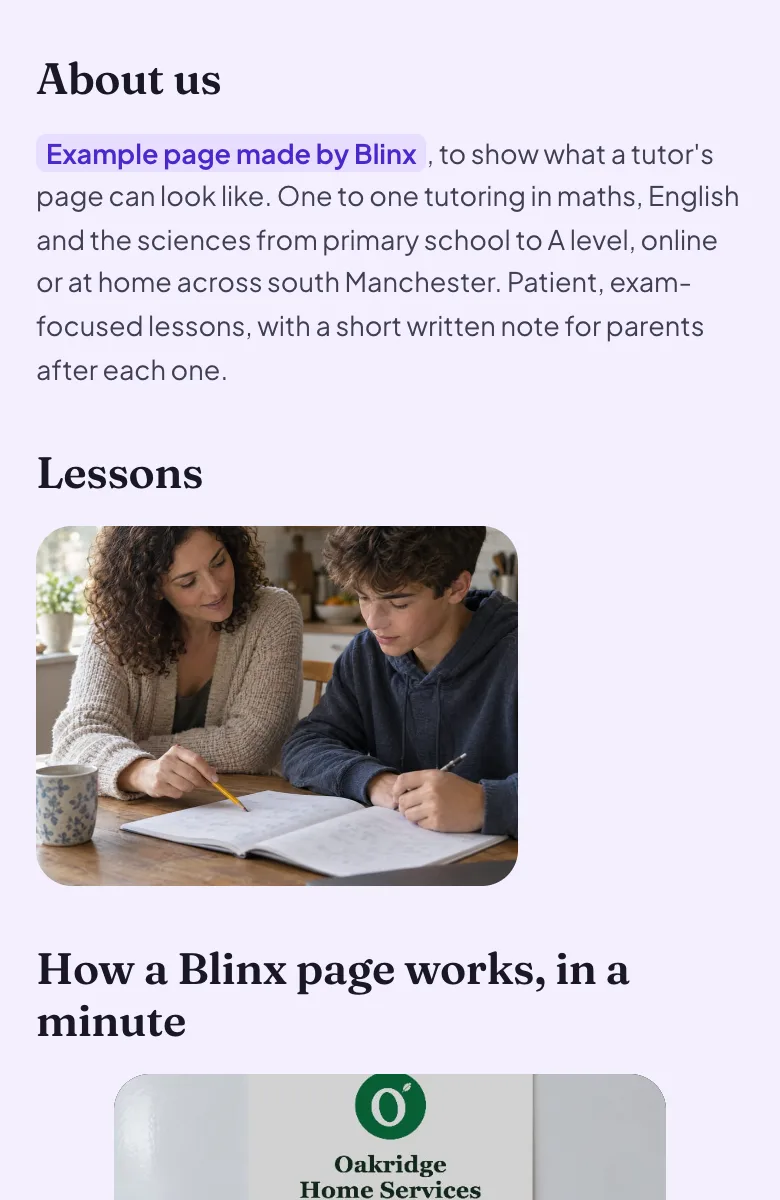
Your About text says which lessons are online, where you teach in person and which areas you travel to, so families know how lessons work before they ask.
Pictured: the example page, Quillfield Tutoring, which is made up.
Want a page like this one?Pick your Google listing and the page fills itself in. Publish it when you are happy.
No: each lesson is requested on its own, so a weekly slot is something you agree with the family yourselves. A parent picks a day and a time from the hours you teach, and you confirm each request in your diary on Pro. The page is where new families find you.
Can I teach online and in person from one page?
Yes. Say in your About text which lessons are online and where you teach in person, and list both on your price list if the prices differ. The booking picker can offer each as its own kind of lesson.
Can I list different prices for different levels?
Yes. Your price list can show each subject and level with its own price, such as primary maths, GCSE maths and A level maths, and each kind of lesson can have its own length in the booking picker.
Can I show my qualifications and checks?
Yes. Write them in your About text and add short trust points under your name, such as a teaching qualification or an up to date background check. Blinx shows what you write and does not check it, so keep to what you hold.
Can families pay for lessons through the page?
No. There is no online payment on Blinx. Families pay you the way they do today; the page is where they see your subjects and prices and ask for a lesson.
Will parents see my reviews?
Yes, once you connect your Google listing: your star rating and the first three reviews Google shows, in Google's order, with a link to read the rest. If you have no Google listing yet, the reviews section stays hidden rather than empty.