Blinx gives a cleaner one mobile page where customers can see your prices, ask for a quote, request a visit and message you, each in one tap. It costs $5 a month or $46.80 a year, plus VAT at 20% for UK businesses, after a 15-day trial with no card.
People looking for a cleaner are usually comparing. They want to know what you clean, roughly what it costs, which areas you cover and whether you take one-off jobs as well as regular visits.
End of tenancy and after-builders cleans come with a deadline: a key handover, a moving date, a landlord's inspection. Those customers want a quote quickly and in writing, so they can plan around it.
For regular cleaning, trust matters as much as price. Customers are letting someone into their home or office, so they look for a proper business, clear prices and someone who replies.
How a Blinx page helps cleaners
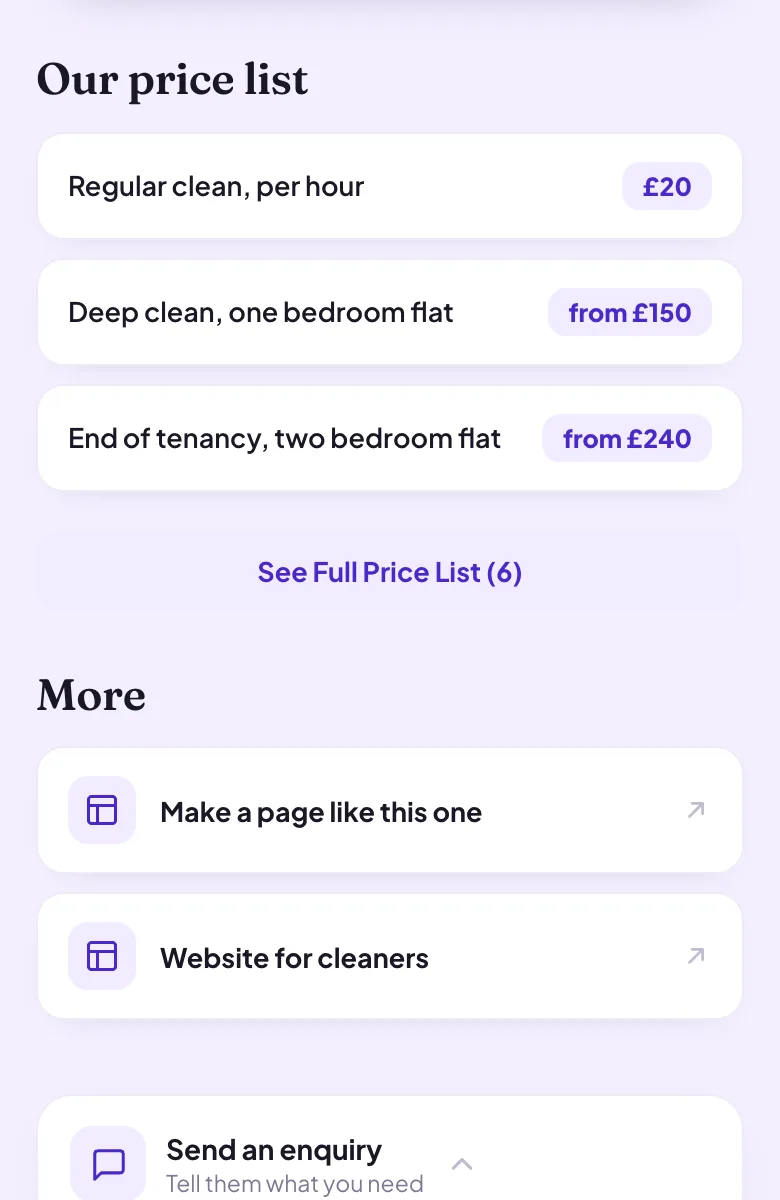
Prices that answer the first question
List a regular clean, a deep clean, an end of tenancy clean or an oven clean with its price, and people get in touch knowing what to expect.
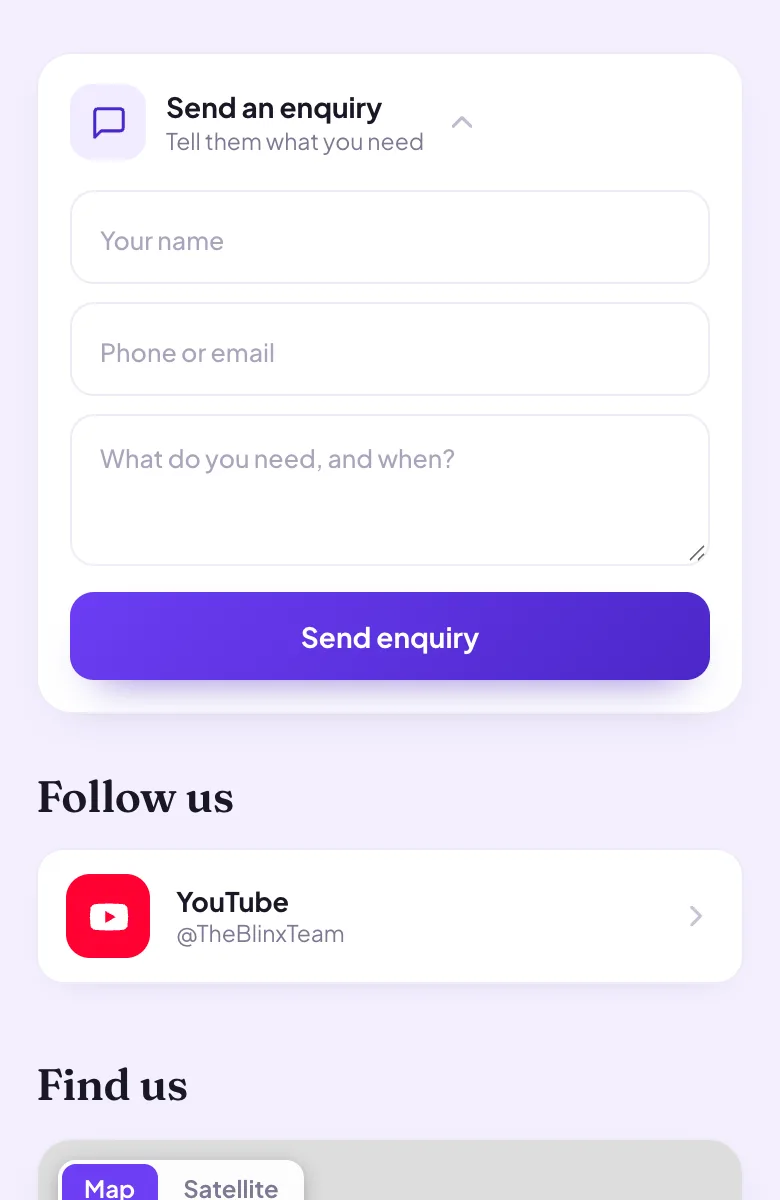
Quotes with the details
The enquiry form takes the customer's name, a phone number or email and a description of the job, such as the size of the home and the day the keys go back. Seeing who sent it is part of Pro.
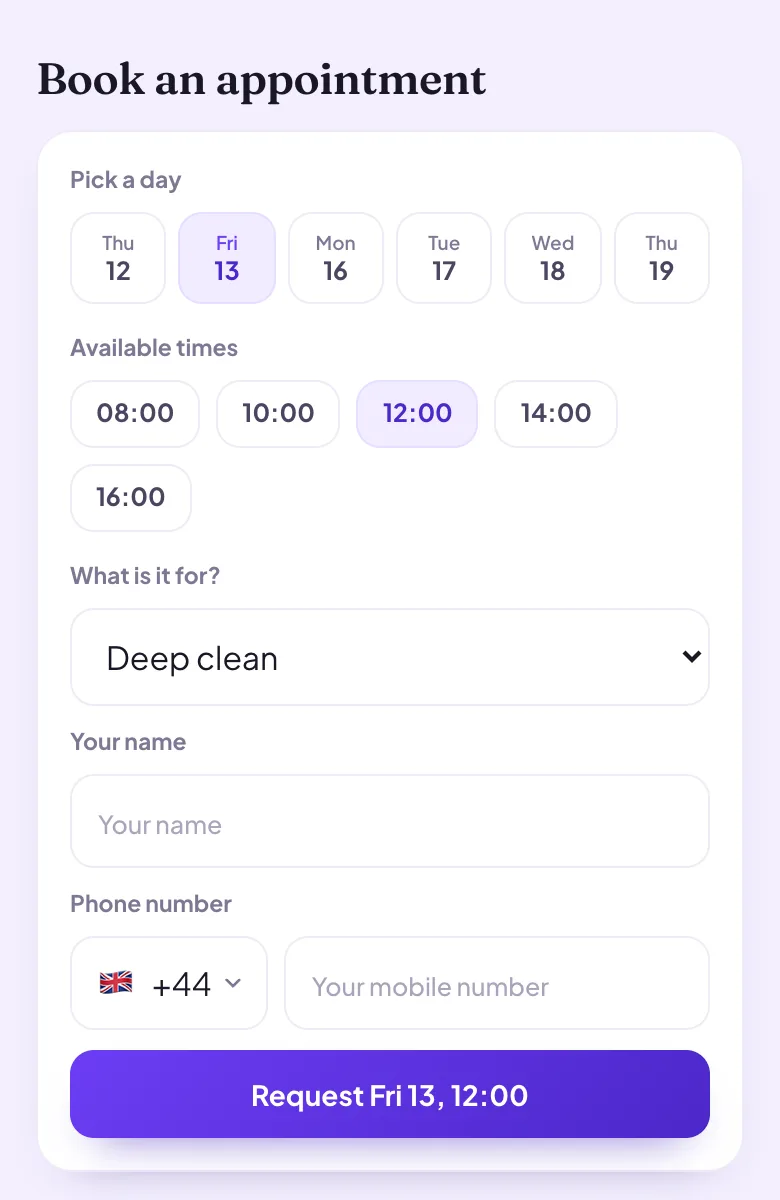
Visits requested from your working hours
Customers ask for a slot, and longer jobs can have their own length in the diary, such as three hours for a deep clean.
The areas you cover
Write them in your About text, near the top of the page, so nobody outside your patch has to ask.
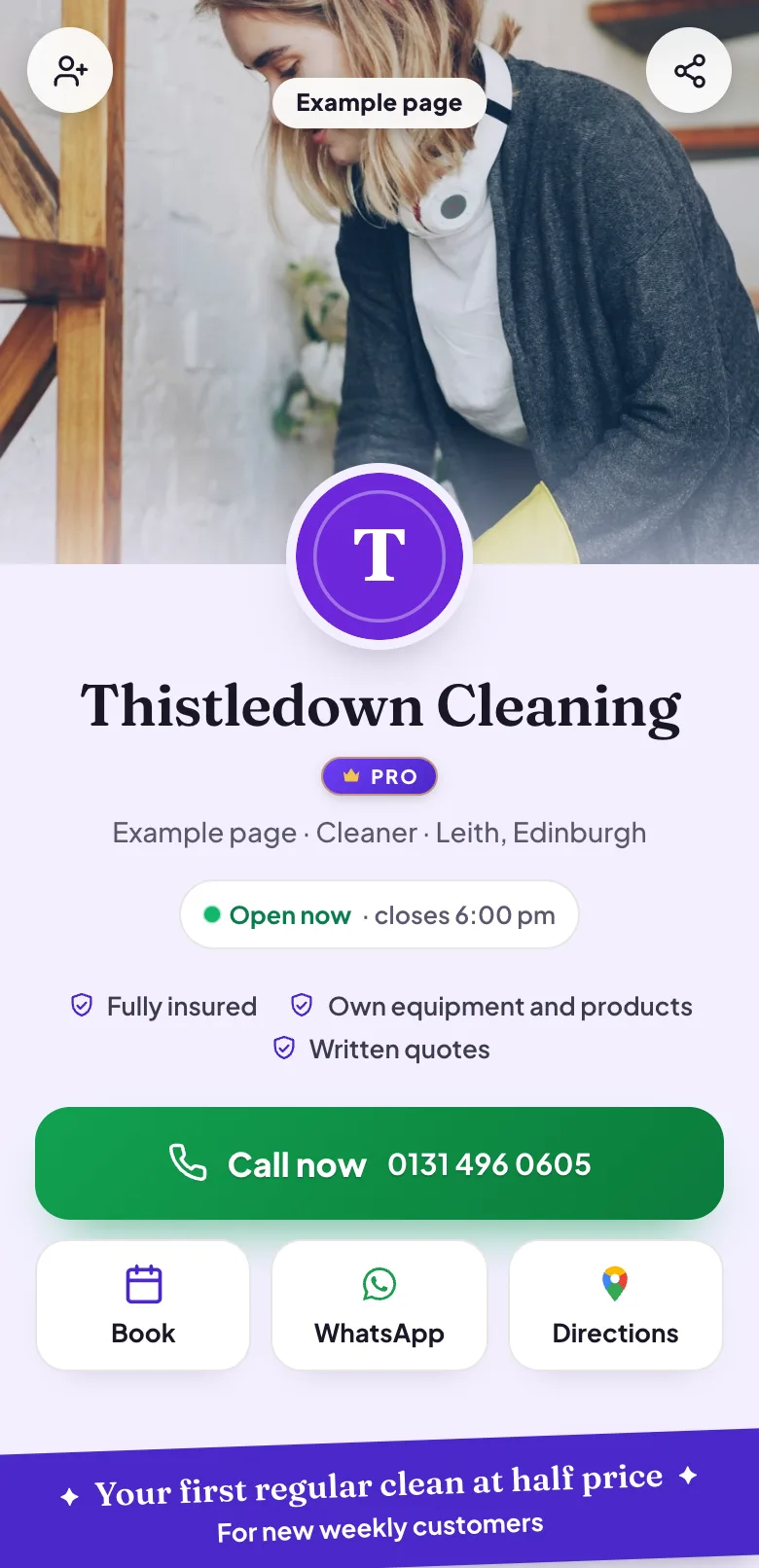
Trust points under your name
Short lines such as being insured or bringing your own equipment and products sit where customers look first.
WhatsApp on Pro
The button opens a chat with your mobile number, so a customer can send photos of the oven or the carpets before you quote.
Four moments from a working day, each beside the part of the example page it uses.
An end of tenancy quote before the keys go back
A tenant moving out sends the details through your enquiry form: how many rooms, the date of the inspection and anything that needs extra work. You see who sent it on Pro and reply with a price the same day.
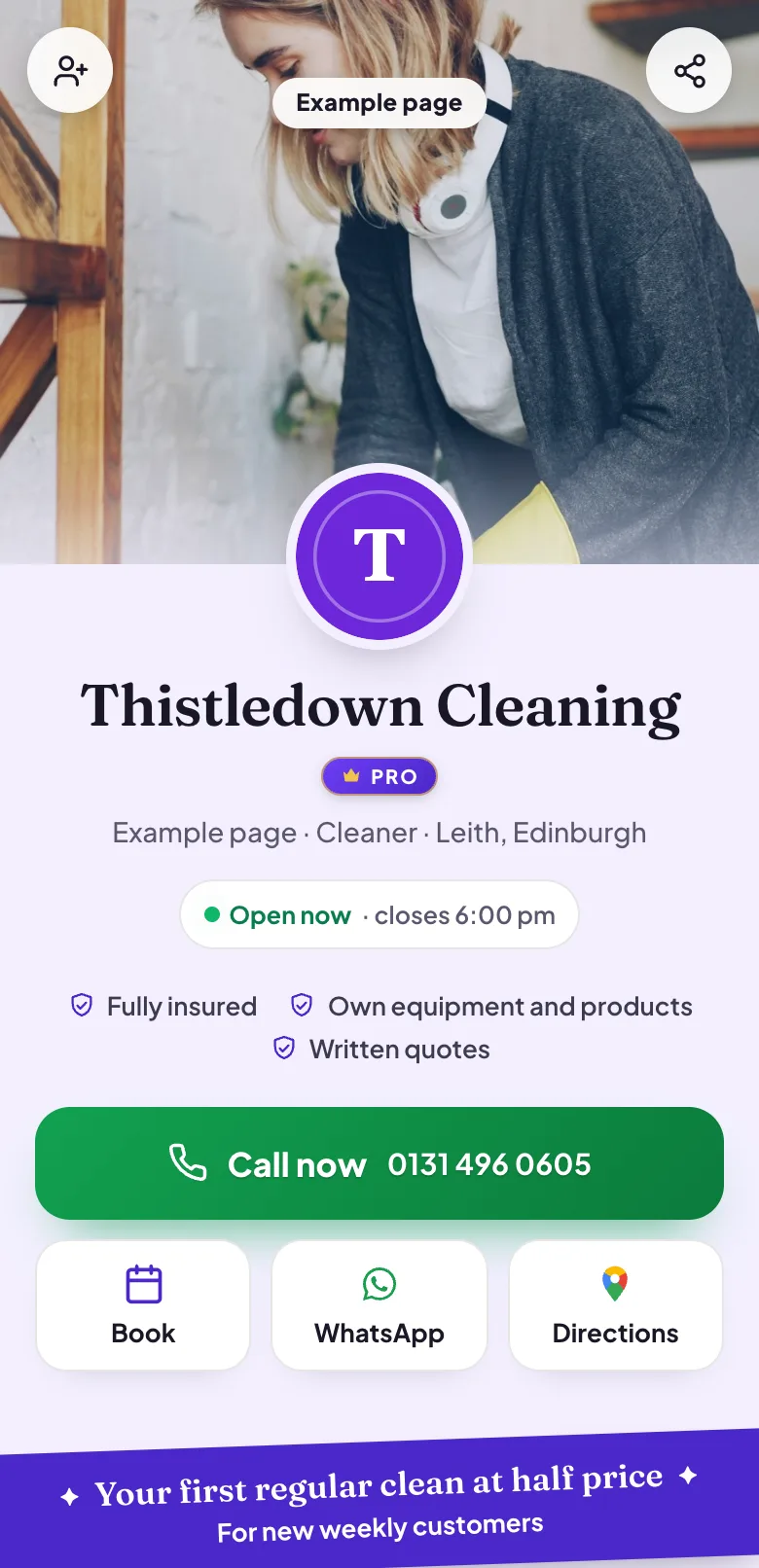
Pictured: the example page, Thistledown Cleaning, which is made up.
Prices before the first message
Your price list shows a regular clean, a deep clean and an end of tenancy clean, each with its price. Customers who wanted a rough idea have one, and the ones who get in touch already know your rates.
Pictured: the example page, Thistledown Cleaning, which is made up.
A deep clean, requested from the page
A customer chooses the deep clean, picks a day and a time from your working hours and sends the request. It waits in your diary until you confirm it, on Pro.
Pictured: the example page, Thistledown Cleaning, which is made up.
Trust before the front door opens
The top of your page carries your name, your trust points and the buttons to call or message. A customer deciding who to let into their home sees a real business in the first second.
Pictured: the example page, Thistledown Cleaning, which is made up.
Want a page like this one?Pick your Google listing and the page fills itself in. Publish it when you are happy.
No: each visit is requested on its own, so a weekly slot is something you agree with the customer once you have spoken. They pick a day and a time from your working hours, and you confirm each request in your diary on Pro.
Can I show the areas I cover?
Yes, in your About text. There is no separate list of service areas, so name the towns or neighbourhoods you clean in, and change it as your round grows. Customers read the About text near the top of the page.
Can different jobs have different lengths?
Yes. Give each kind of visit its own length, anything from 15 minutes to three hours, such as two hours for a regular clean and three for a deep clean. The length shows in your diary and in the calendar link for each booking.
Can I show that I am insured?
Yes. Add it as a trust point under your name and in your About text. Blinx shows what you write and does not check it, so keep it to cover you hold.
Can customers send photos of the job?
On Pro, the WhatsApp button opens a chat with your mobile number, and customers can send photos there. The enquiry form takes a written description on every plan, which is often enough for a first price.
Can customers pay a deposit through the page?
No. There is no online payment or deposit on Blinx. Customers pay you the way they do today; the page is where they find you, see your prices and get in touch.