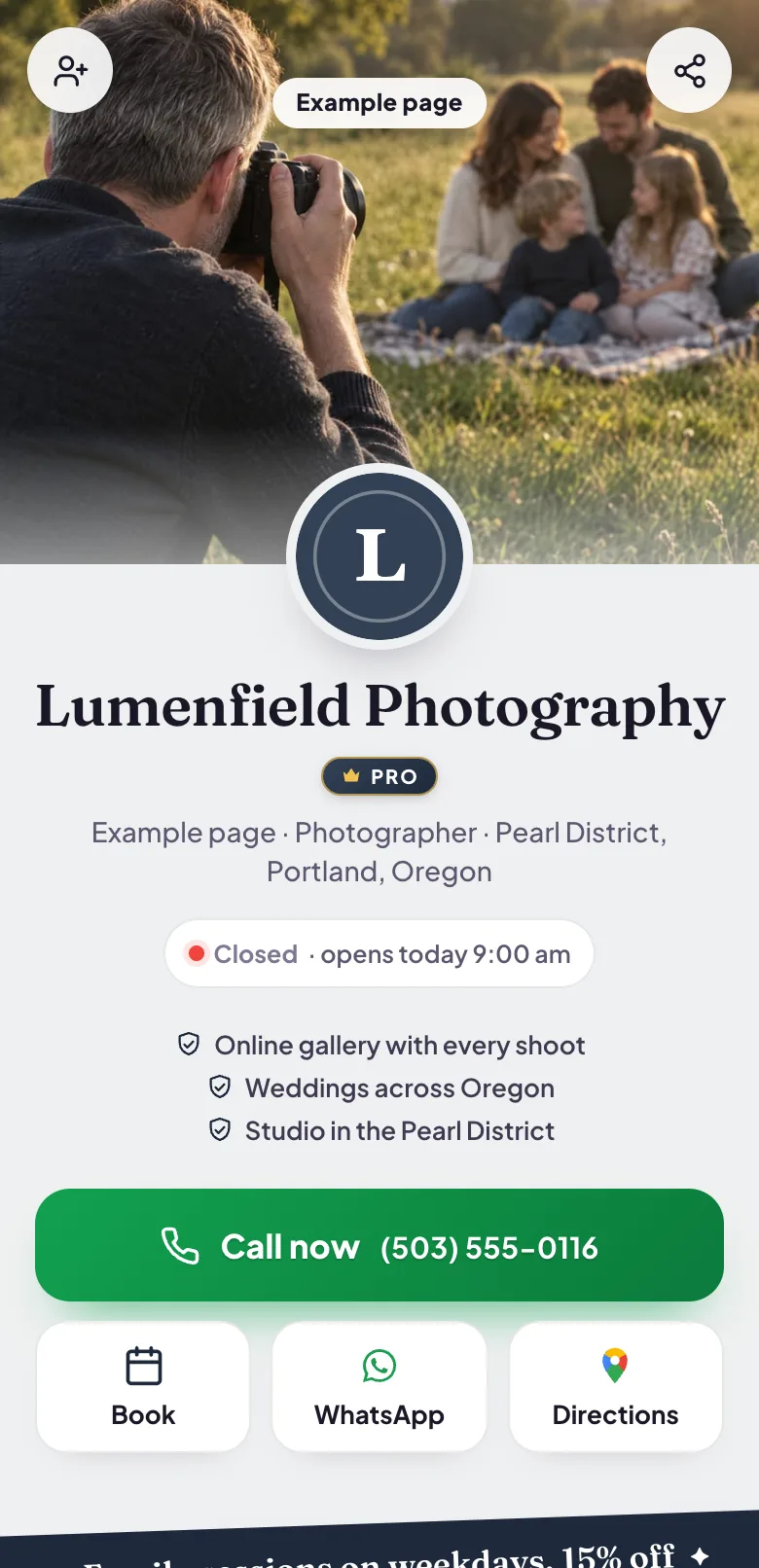
Blinx gives a photographer one mobile page where clients can see your work, compare your packages, ask about a date and book a session, each in one tap. It costs $5 a month or $46.80 a year, plus VAT at 20% for UK businesses, after a 15-day trial with no card.
Photography is bought on the strength of the pictures. Couples, families and businesses look through a photographer's work first, and then at the packages and the prices.
A booking usually starts with a question and a date: is our wedding day still open, can you do a family shoot before Christmas, what does a headshot session include. Clients want to ask in writing, and they want an answer.
Once they have decided, they want to hold the date before somebody else takes it.
How a Blinx page helps photographers
Your work, up front
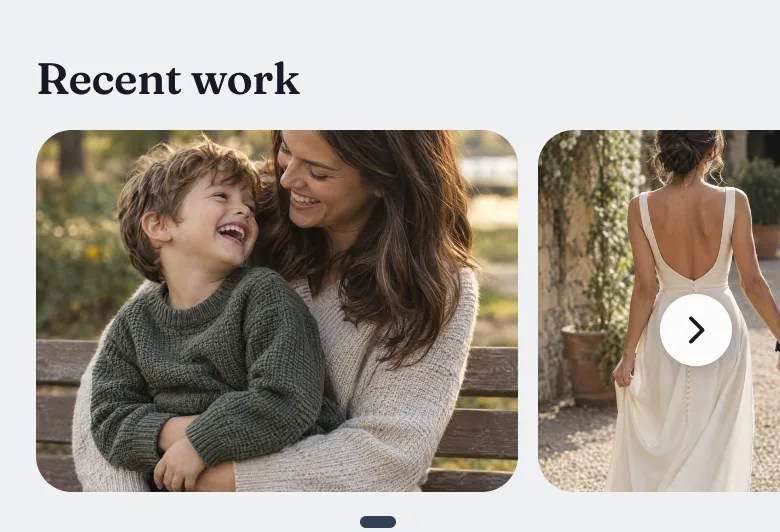
A swipeable gallery of your photographs, up to 3 on the basic plan and 10 on Pro, which clients open full size.
Packages and prices
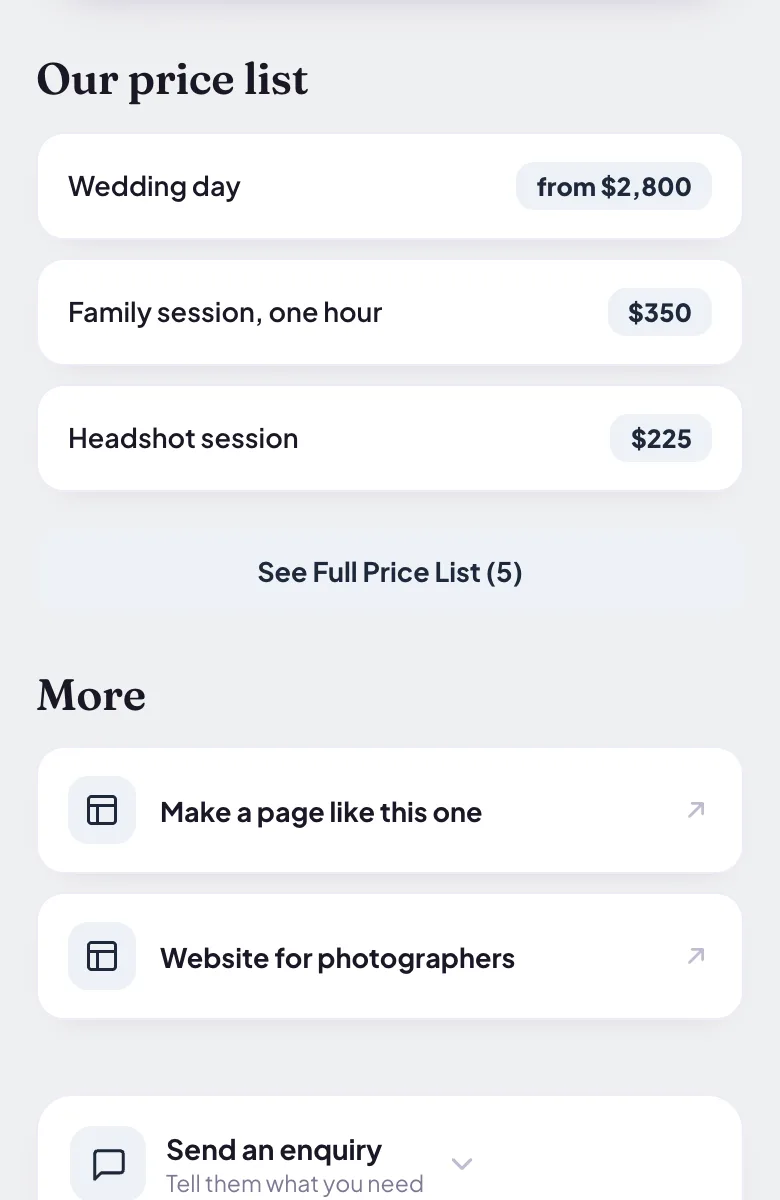
Weddings, family shoots, headshots or events, each with its price or a starting price.
Enquiries with the date and the details
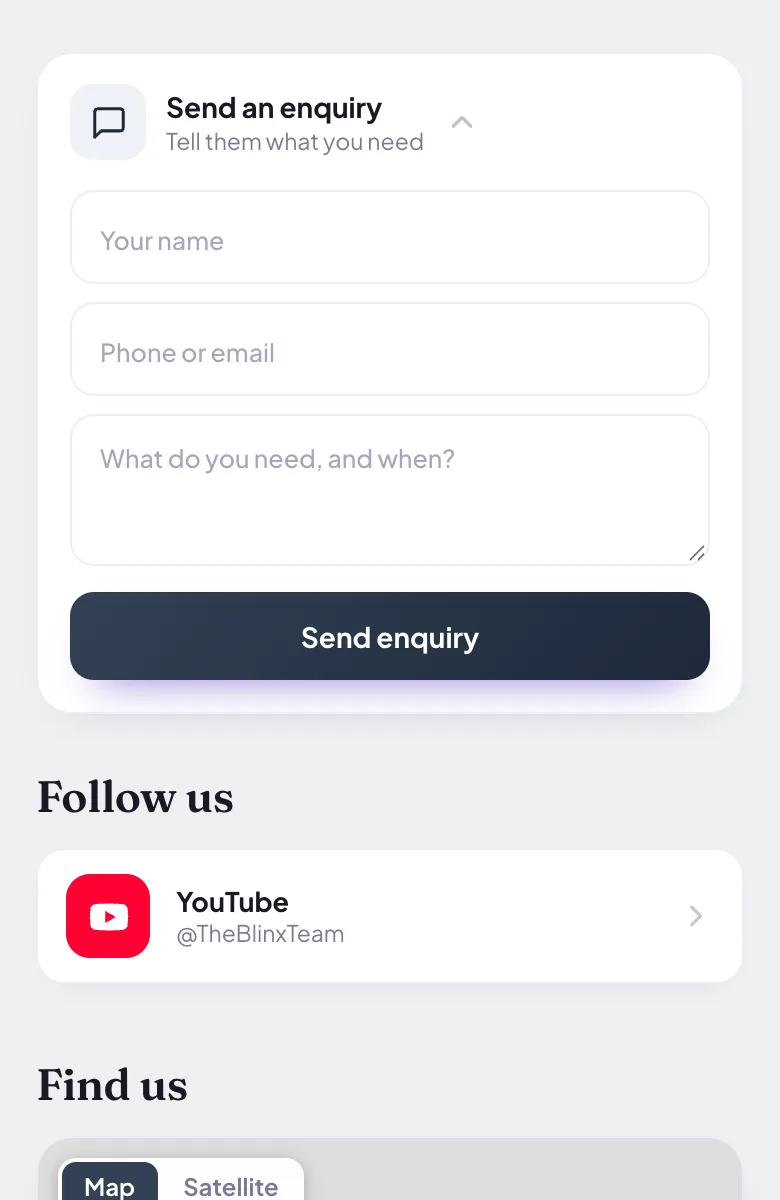
The enquiry form takes a name, a phone number or email and a message on every plan, and on Pro you see who sent it.
Sessions from your diary
A consultation call or a studio session, each with its own length, requested from the hours you work. Confirming requests is part of Pro.
A film of a shoot
On Pro your page plays a video, uploaded from your phone or linked from YouTube, TikTok or Instagram, showing how you work with people.
Your portfolio and social pages
Link a full portfolio under your custom links, and Instagram under Follow us.
Four moments from a working day, each beside the part of the example page it uses.
A couple looking through your work
A couple planning a summer wedding swipes through your gallery on the sofa and opens the pictures they love full size. Your work does the selling before they ask a single question.
Pictured: the example page, Lumenfield Photography, which is made up.
Comparing packages
Your price list shows a wedding day, a family shoot and a headshot session with their prices, so clients choose what they need before they get in touch.
Pictured: the example page, Lumenfield Photography, which is made up.
Is the wedding date still open?
The couple send their date, the venue and what they have in mind through your enquiry form. You see who sent it on Pro and reply while the date is still yours to offer.
Pictured: the example page, Lumenfield Photography, which is made up.
A headshot session booked
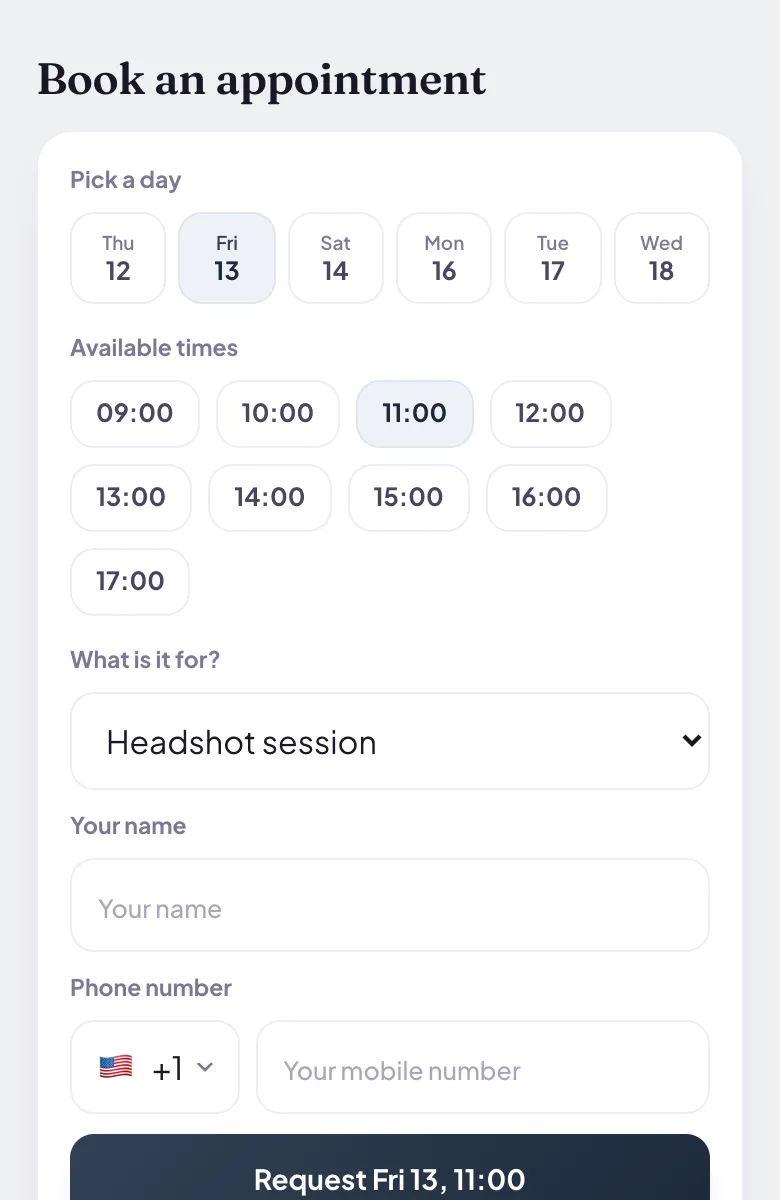
A business owner needing new headshots picks a studio session and a time from your hours and sends the request. You confirm it in your diary on Pro.
Pictured: the example page, Lumenfield Photography, which is made up.
Want a page like this one?Pick your Google listing and the page fills itself in. Publish it when you are happy.
Up to 3 on the basic plan and up to 10 on Pro, in a gallery clients swipe through and can open full size. Choose your strongest work and change it whenever you have new favourites.
Can clients check whether a date is open?
For shorter sessions, the booking picker offers times from your working hours and, with the standard settings, leaves out a time someone has already asked for. For a wedding or an event, clients send the date through the enquiry form and you reply. Blinx does not read your other calendars, so it cannot see bookings made elsewhere.
Can I take a deposit to hold a date?
Not through Blinx: there is no online payment or deposit. Agree the date with the client and take the deposit the way you do today; the page is where clients see your work and ask.
Can I link my full portfolio?
Yes. Add it under your custom links with your own label, such as Full portfolio, or as your website, which shows as a Visit our website box under your name.
Can I add a video of a shoot?
Yes, on Pro. Upload a video from your phone or paste a link from YouTube, TikTok or Instagram, give it a caption, and it plays on your page. Nothing loads from YouTube or TikTok until the visitor presses play.
Will my Google reviews show?
Yes, once you connect your Google listing: your star rating and the first three reviews Google shows, in Google's order, with a link to read the rest on Google. Blinx never writes, edits or picks them.