Blinx gives a locksmith one mobile page where someone locked out can call you, see whether you are working, check your prices and send you a message, each in one tap. It costs $5 a month or $46.80 a year, plus VAT at 20% for UK businesses, after a 15-day trial with no card.
Locksmith work often starts with someone standing outside a door: locked out, keys lost, a key snapped in the lock. They search on a phone, often late in the day, and call the first locksmith who looks real and available.
The rest is planned: new locks after moving in, better security after a break-in down the road, a landlord changing the locks between tenants. Those customers have time to compare prices and read what others say.
In both cases the customer wants a real local business with a phone that will be answered, and some idea of the cost before the van arrives.
How a Blinx page helps locksmiths
Call in one tap, from anywhere on the page
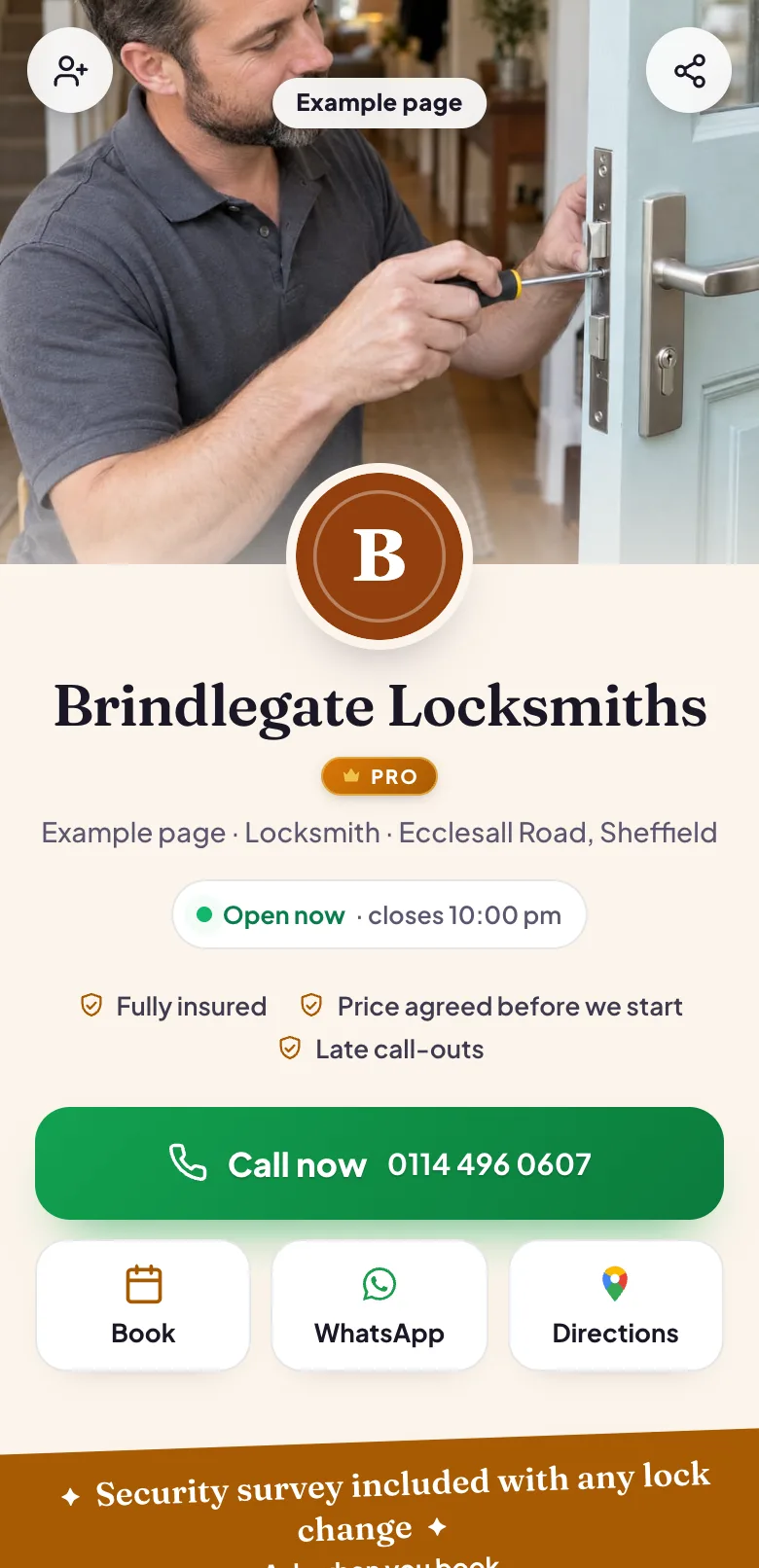
The Call button stays in the bar along the bottom of the screen, which is what someone standing on their doorstep needs.
Working right now, or starting at
Your hours show whether you are working at this moment. If you take calls late into the evening, set those hours so the page says so.
Prices for the common jobs
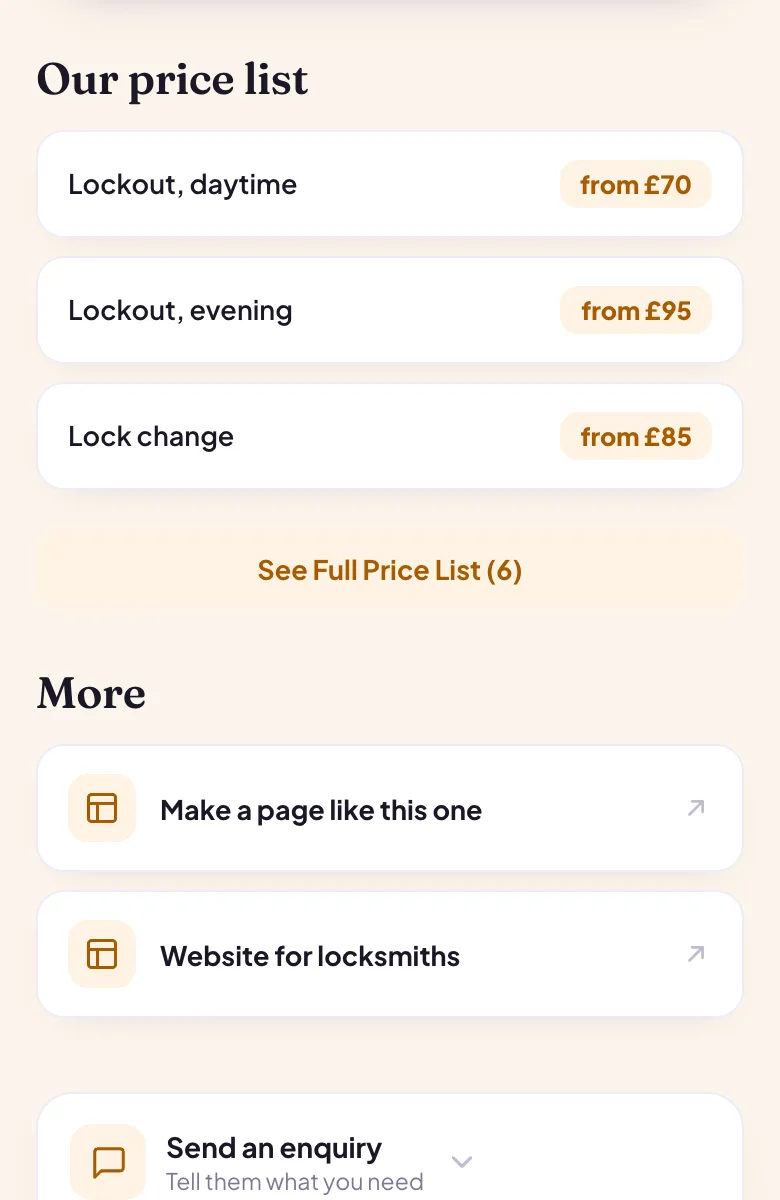
A lockout, a lock change, a uPVC door mechanism, listed with what each costs, so the customer is not guessing on the doorstep.
Your patch in the About text
Write the towns and districts you cover, so a customer can see you will come to them.
Trust points
Short lines under your name, such as being insured or vetted, sit where customers look first.
Filled from Google
Pick your listing when you sign up, and your hours, number, photos and rating fill in.
Four moments from a working day, each beside the part of the example page it uses.
Locked out in the evening
Keys left inside, phone in hand: the customer finds your page, sees whether you are still working and taps Call now. Your number never needs copying, and the call is one tap from anywhere on the page.
Pictured: the example page, Brindlegate Locksmiths, which is made up.
What a lock change costs
Your price list shows a lockout, a lock change and a new door mechanism with what each costs. The customer knows roughly what to expect before you arrive, which is the question they would otherwise ring to ask.
Pictured: the example page, Brindlegate Locksmiths, which is made up.
New locks for a new home
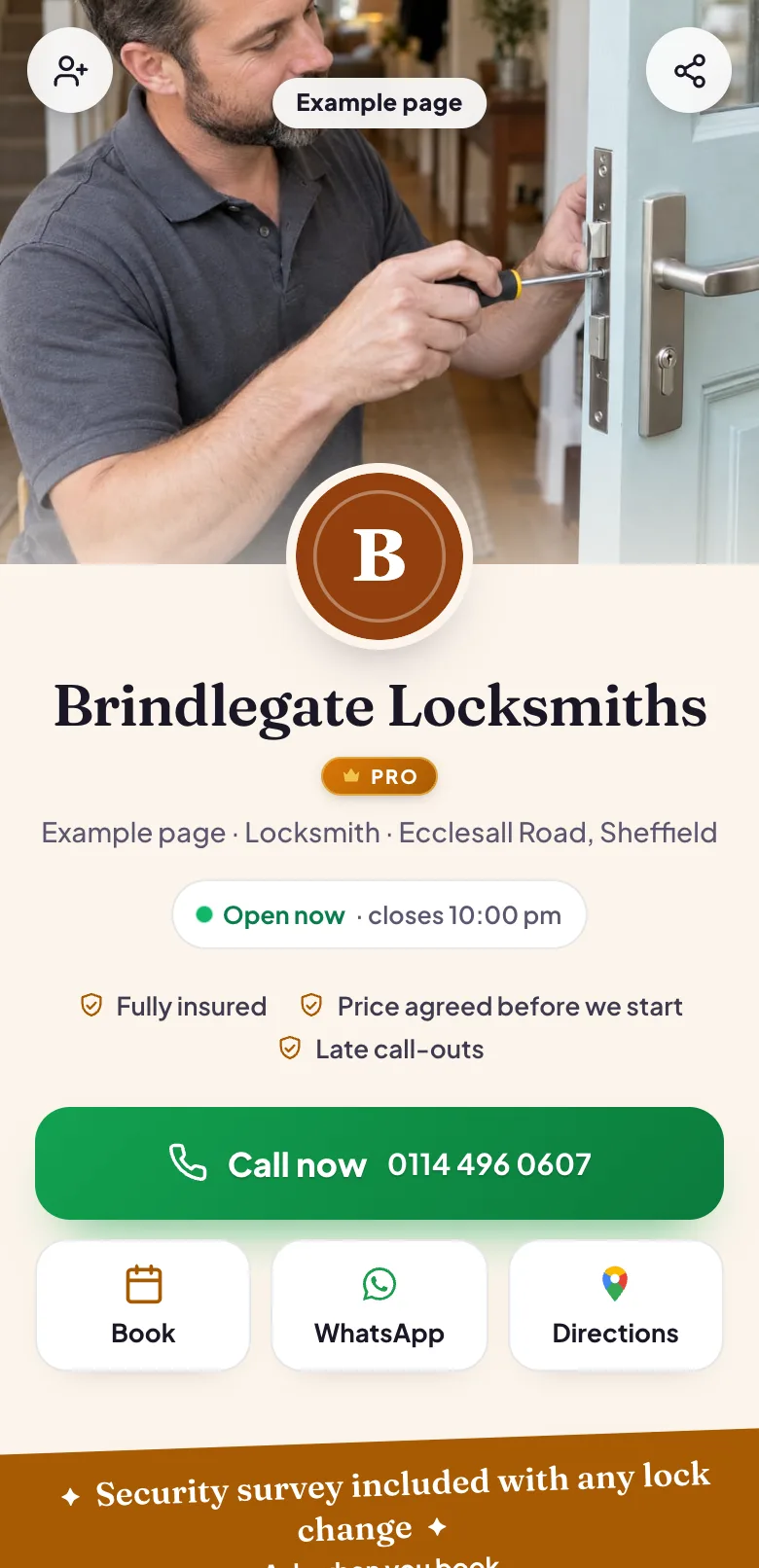
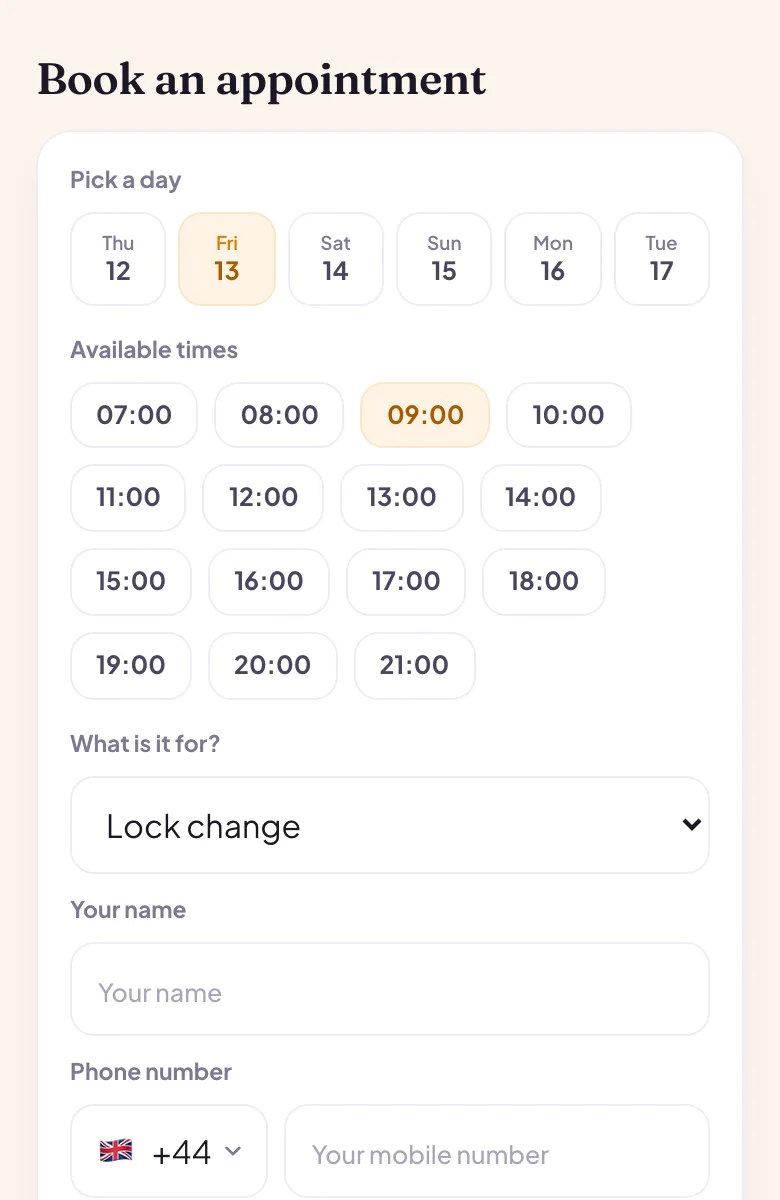
Someone moving in at the weekend asks for the locks to be changed before they do. They choose the lock change, pick a day and a time from your hours, and the request waits for you to confirm it on Pro.
Pictured: the example page, Brindlegate Locksmiths, which is made up.
Do you come out to my street?
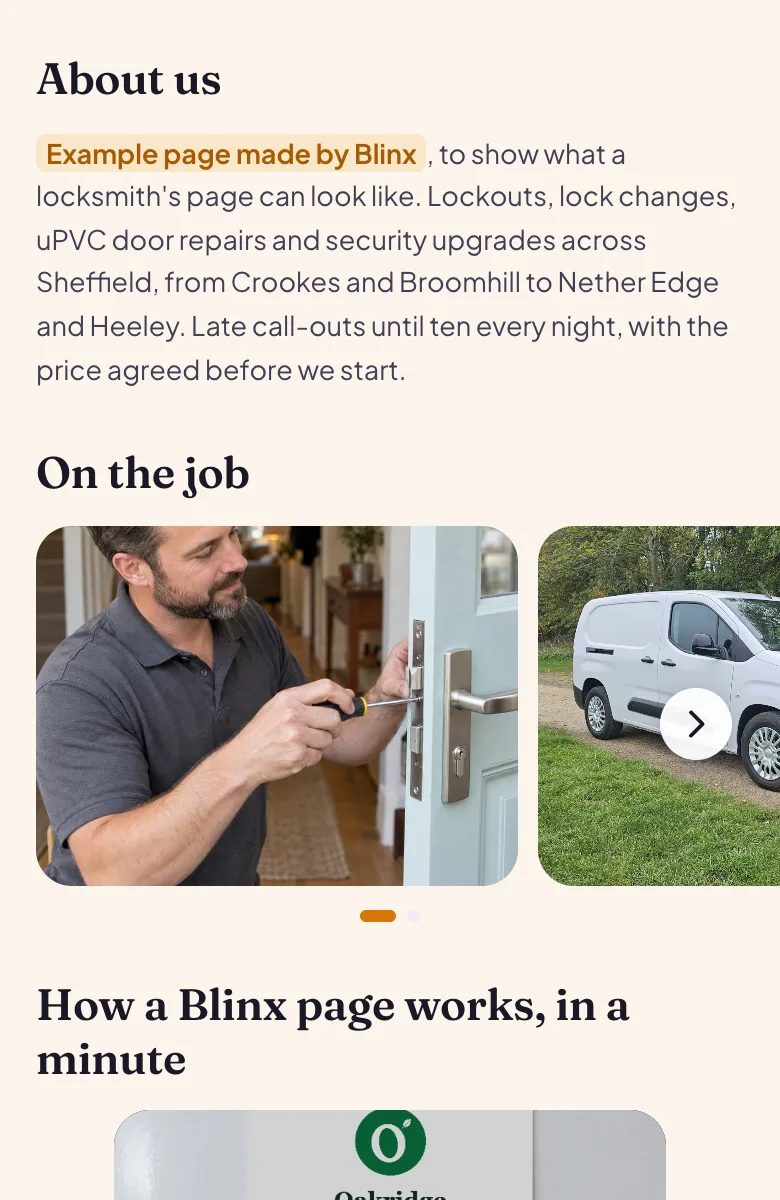
Your About text names the towns and districts you cover, near the top of the page. A customer can see straight away that you work in their area before they ring.
Pictured: the example page, Brindlegate Locksmiths, which is made up.
Want a page like this one?Pick your Google listing and the page fills itself in. Publish it when you are happy.
Yes. Write it in your About text and as a trust point, and set your opening hours to the hours you answer, so the page shows open while you are working. There is no separate setting for emergency hours, so keep your hours to the times you will pick up.
Can customers see my prices before they call?
Yes, if you list them. Your price list shows each job with its price, such as a lockout or a lock change, and you can use 'from' prices where the lock decides the cost. Switch the section off if you would rather quote every job.
Can I show the areas I cover?
Yes, in your About text. There is no separate list of areas, so name the towns and districts you work in, and change it whenever your patch changes. Customers read it near the top of the page.
Can I show that I am insured or vetted?
Yes, as trust points under your name and in your About text. Blinx shows what you write and does not check it, so keep to what you hold.
Can customers book a lock change in advance?
Yes. They pick a day and a time from your hours and send a request, which waits until you confirm it in your diary on Pro. Give a lock change its own length so it shows there for as long as it takes.
Will my Google reviews show on the page?
Yes, once you connect your Google listing: your star rating and the first three reviews Google shows, in Google's order, with a link to read the rest on Google. Blinx shows them as Google provides them and never edits or chooses them.