Blinx gives an electrician one mobile page where customers can call you, send the details of a job, see photos of your work and check whether you are working today, each in one tap. It costs $5 a month or $46.80 a year, plus VAT at 20% for UK businesses, after a 15-day trial with no card.
Electrical work splits into the urgent and the planned. A circuit that keeps tripping, a socket that smells of burning or no power to half the house sends someone straight to their phone, looking for an electrician who can come out today.
Planned work is weighed up for longer: a rewire before moving in, a car charger on the drive, new lighting in a kitchen, or the certificate a landlord or a buyer has asked for. Those customers want to see that you do that kind of job, what your work looks like and how to get a quote.
In both cases they are letting someone work on the wiring of their home, so they look for signs of a proper business, photos of finished work and a quick way to get in touch.
How a Blinx page helps electricians
Call from anywhere on the page
The Call button follows the customer down the screen, so an urgent fault reaches your phone in one tap.
Proof of your work
A gallery of finished jobs, a neat consumer unit or a kitchen's new lighting, shows the standard you work to. Up to 3 photos on the basic plan and 10 on Pro.
Quotes with the details
The enquiry form takes the customer's name, a phone number or email and a description of the job, so a quote for a rewire or a charger starts with the facts. Seeing who sent it is part of Pro.
Trust points near the top
Short lines under your name, such as being insured or the scheme you are registered with, sit where customers look before they invite you in.
The areas you cover
Write the towns you work in into your About text, where customers read them before they call.
Filled from Google
Pick your listing when you sign up, and your hours, number, address, photos and rating fill the page.
Four moments from a working day, each beside the part of the example page it uses.
Half the house without power
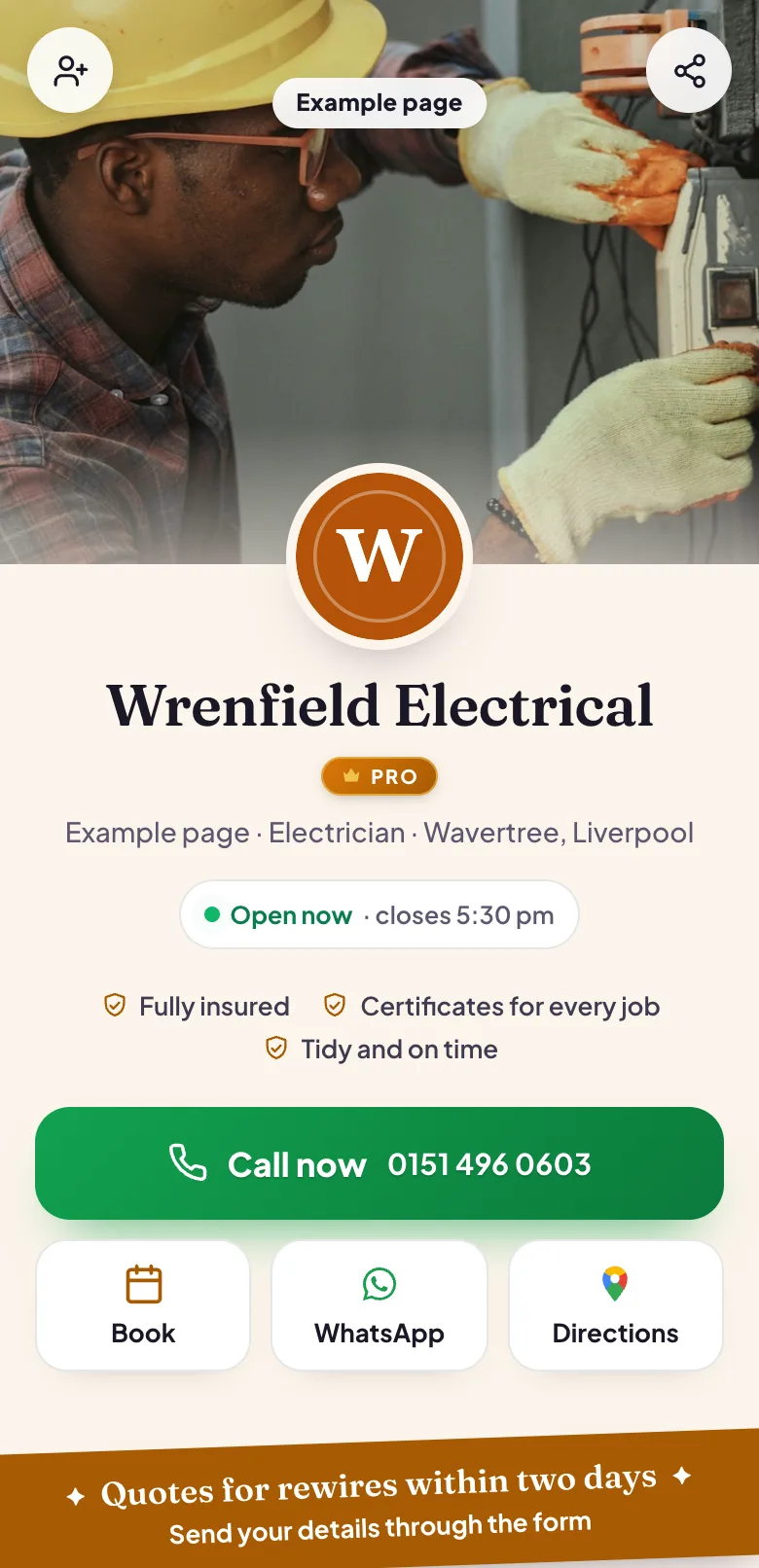
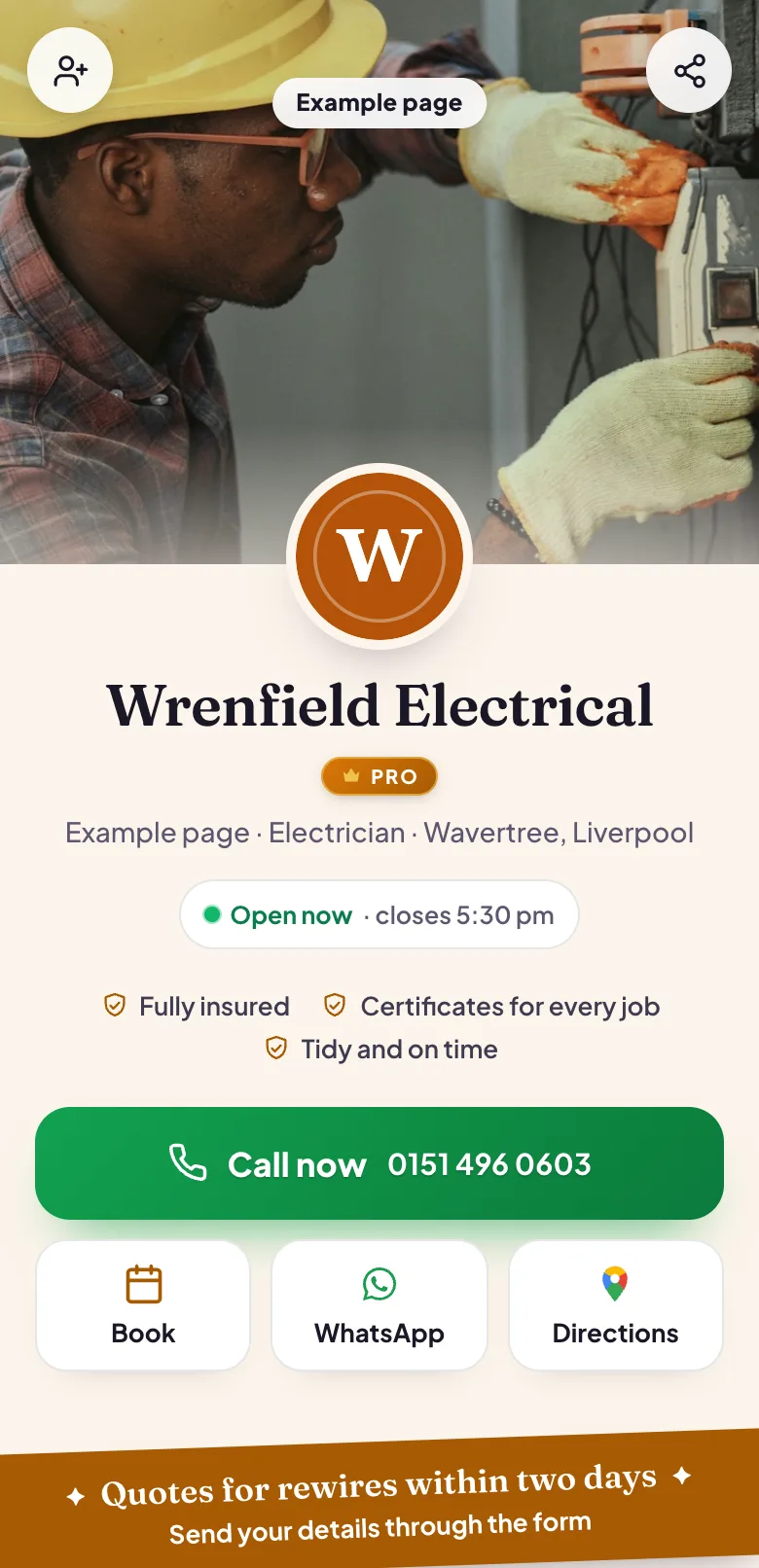
The customer finds your page, sees whether you are working today and taps Call now. Your number is in the bar along the bottom of the screen, so it is one tap away wherever they have scrolled to.
Pictured: the example page, Wrenfield Electrical, which is made up.
A rewire quote, written down
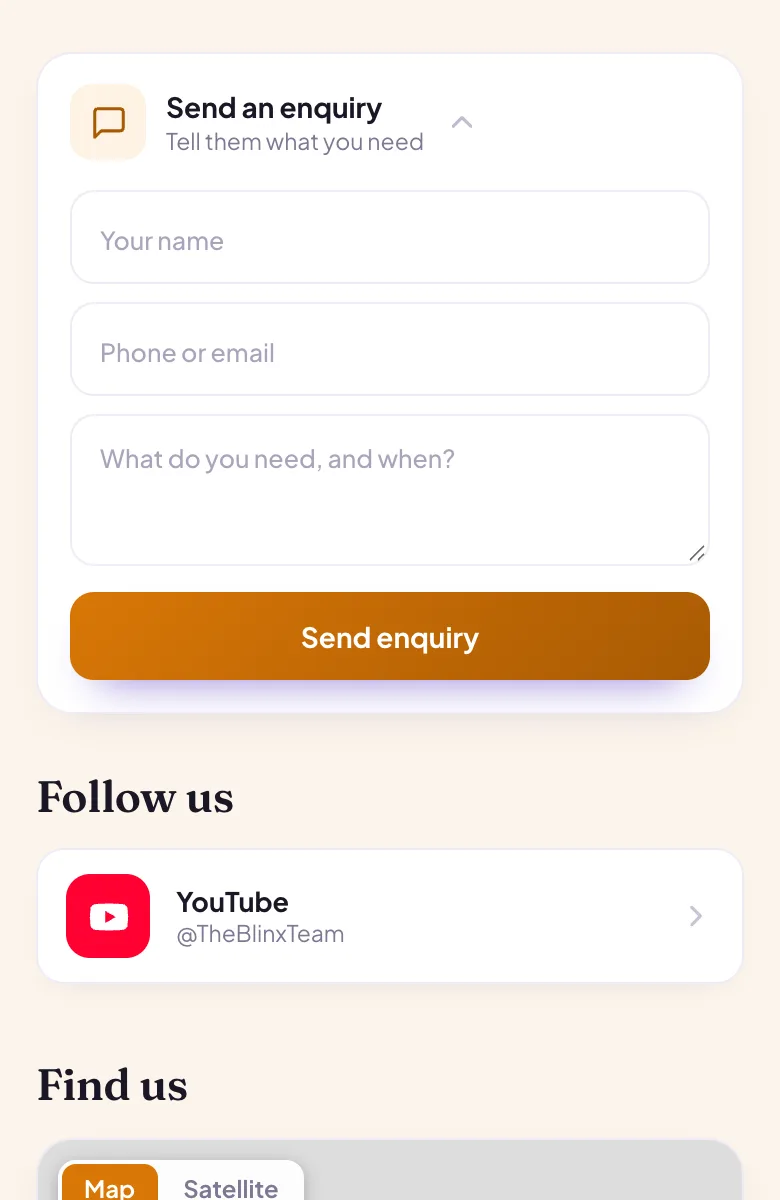
Someone buying an older house sends the details through your enquiry form: the size of the property, what they want done and when they move in. You read it in your inbox on Pro and reply with a price or a time to look.
Pictured: the example page, Wrenfield Electrical, which is made up.
Photos that show the standard
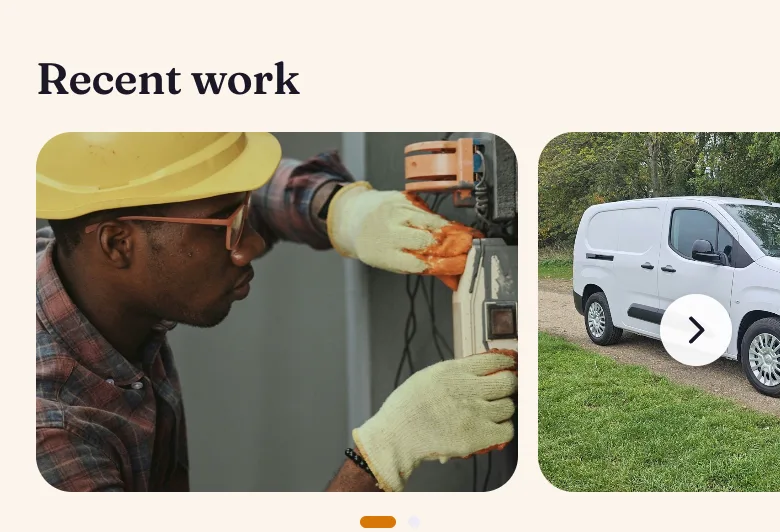
Before they let you in, customers look at what your work looks like. A gallery of finished jobs says more about how you work than a paragraph of promises.
Pictured: the example page, Wrenfield Electrical, which is made up.
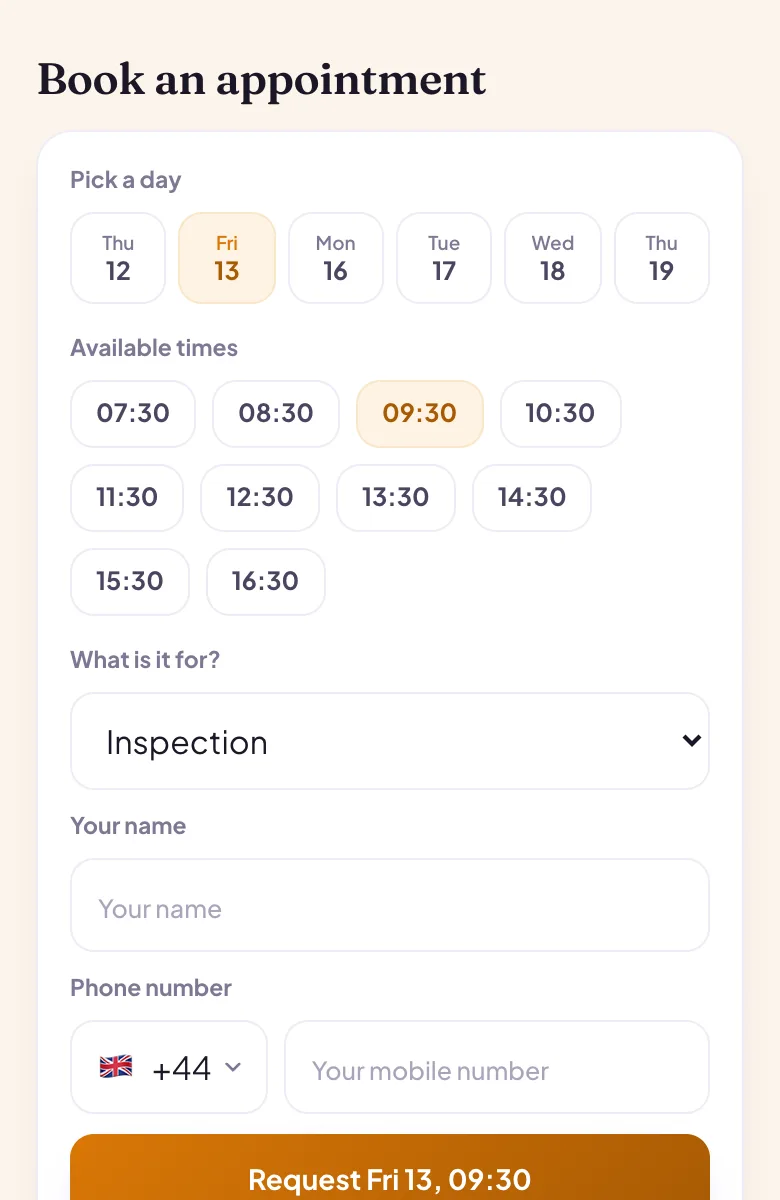
An inspection booked for a quiet morning
Landlord certificates and inspections can be booked like any appointment: the customer picks a time from your hours and sends a request, and you confirm it in your diary on Pro.
Pictured: the example page, Wrenfield Electrical, which is made up.
Want a page like this one?Pick your Google listing and the page fills itself in. Publish it when you are happy.
Yes. Add them as trust points, the short lines near the top of your page, and mention them in your About text. Blinx shows what you write and does not check registrations, so keep to the ones you hold.
Can customers send photos of the fault with their enquiry?
Not through the form: it takes a name, a phone number or email, and a written message. On Pro the WhatsApp button opens a chat with your mobile, where customers can send photos, and you can always reply to an enquiry asking for one.
Can I show the areas I work in?
Yes, in your About text. There is no separate list of service areas, so name the towns or postcode districts you cover in a sentence, and update it when you take on new areas. Customers read it before they decide to call.
Can customers book an inspection or a quote visit?
They can ask for a slot from your opening hours, and the request waits until you confirm it, which is part of Pro. Give inspections and quote visits their own lengths, such as two hours and 30 minutes, so each one shows in your diary and in the calendar link for as long as it takes.
Will people see whether I am working today?
Yes. Your opening hours show as open or closed right now, with the time you close or start again. If you work late on some days, set those days' hours to match, so the page is right when someone looks in the evening.
Can I use the page on my van and my invoices?
Yes. Save your page's QR code as an image and put it on the van, your cards or your invoices. A scan opens the page with your number, your photos and your hours, and every scan is counted in your page's numbers.